Choose a ready-made design for your OpenCart store, then make it look like no other from the admin. No coding needed.
Digital download ·Lifetime license ·No paid upgrades
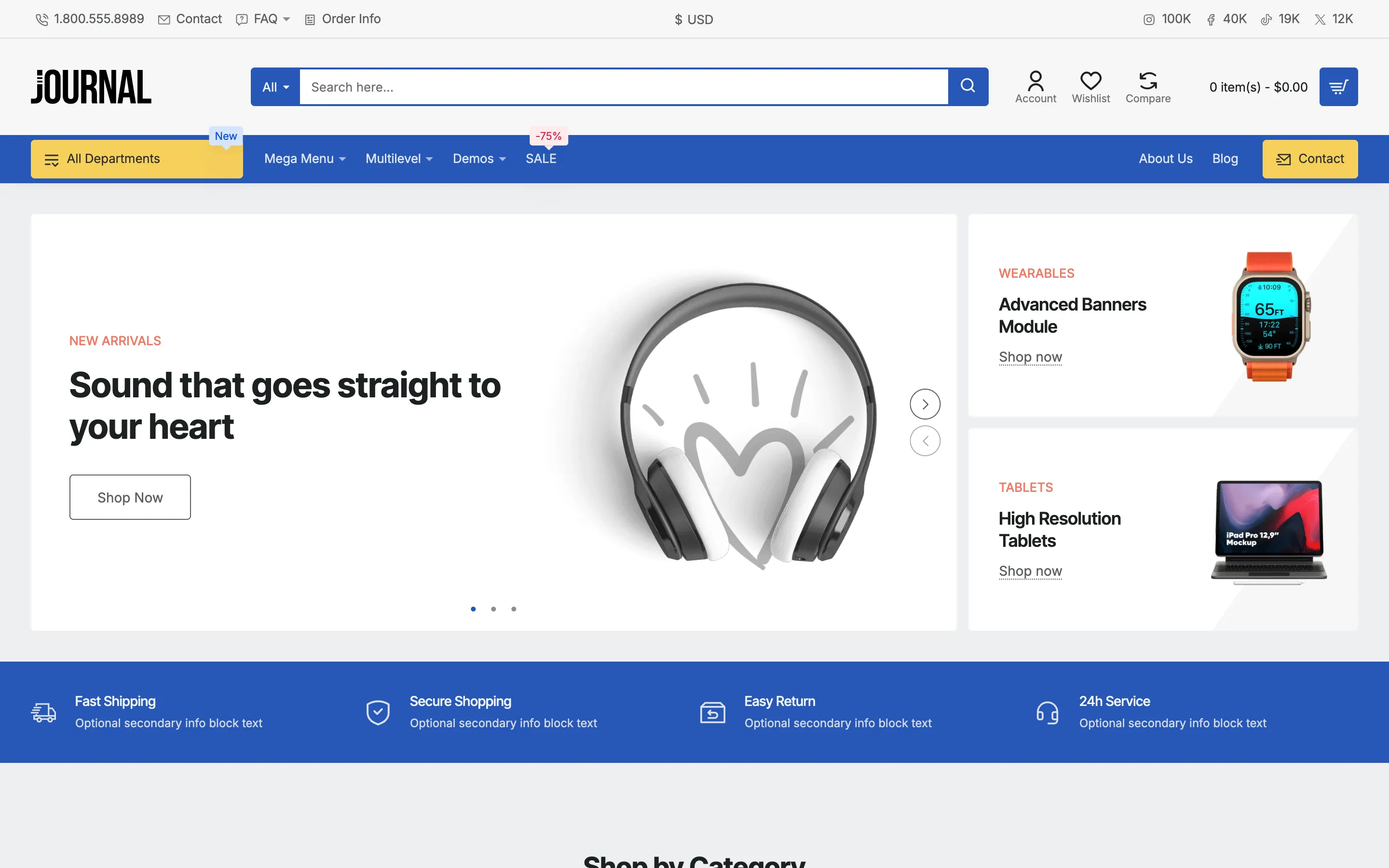
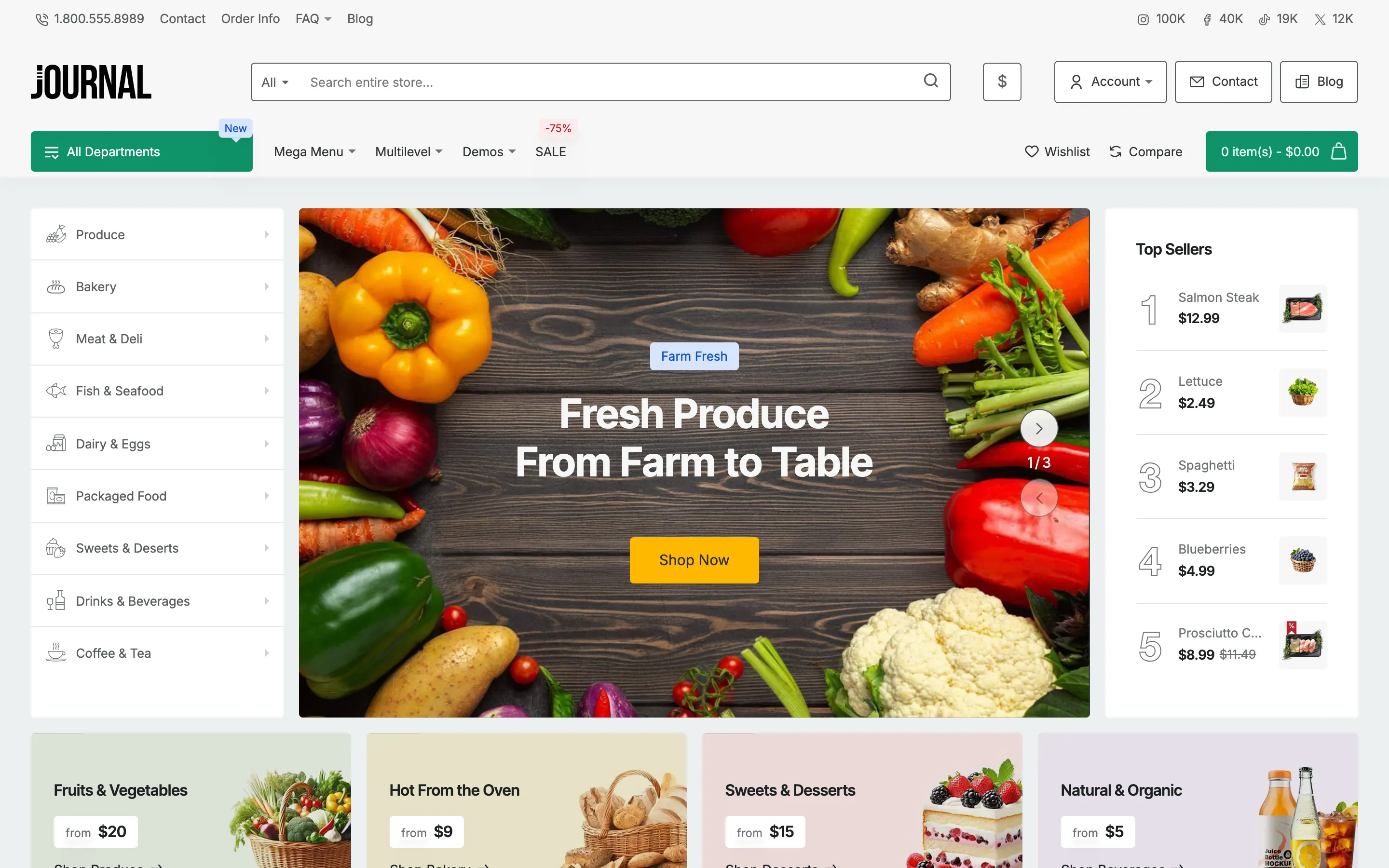
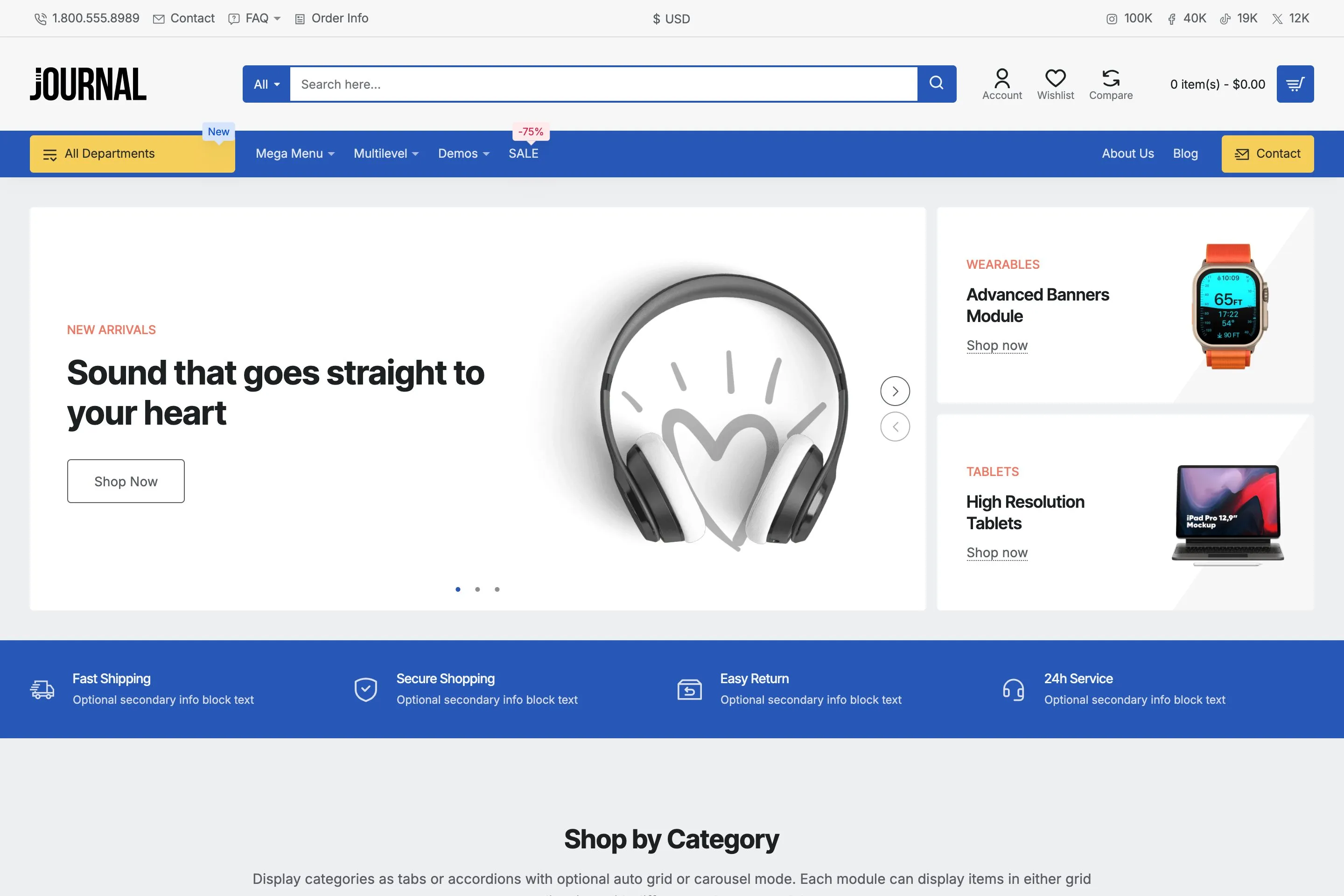
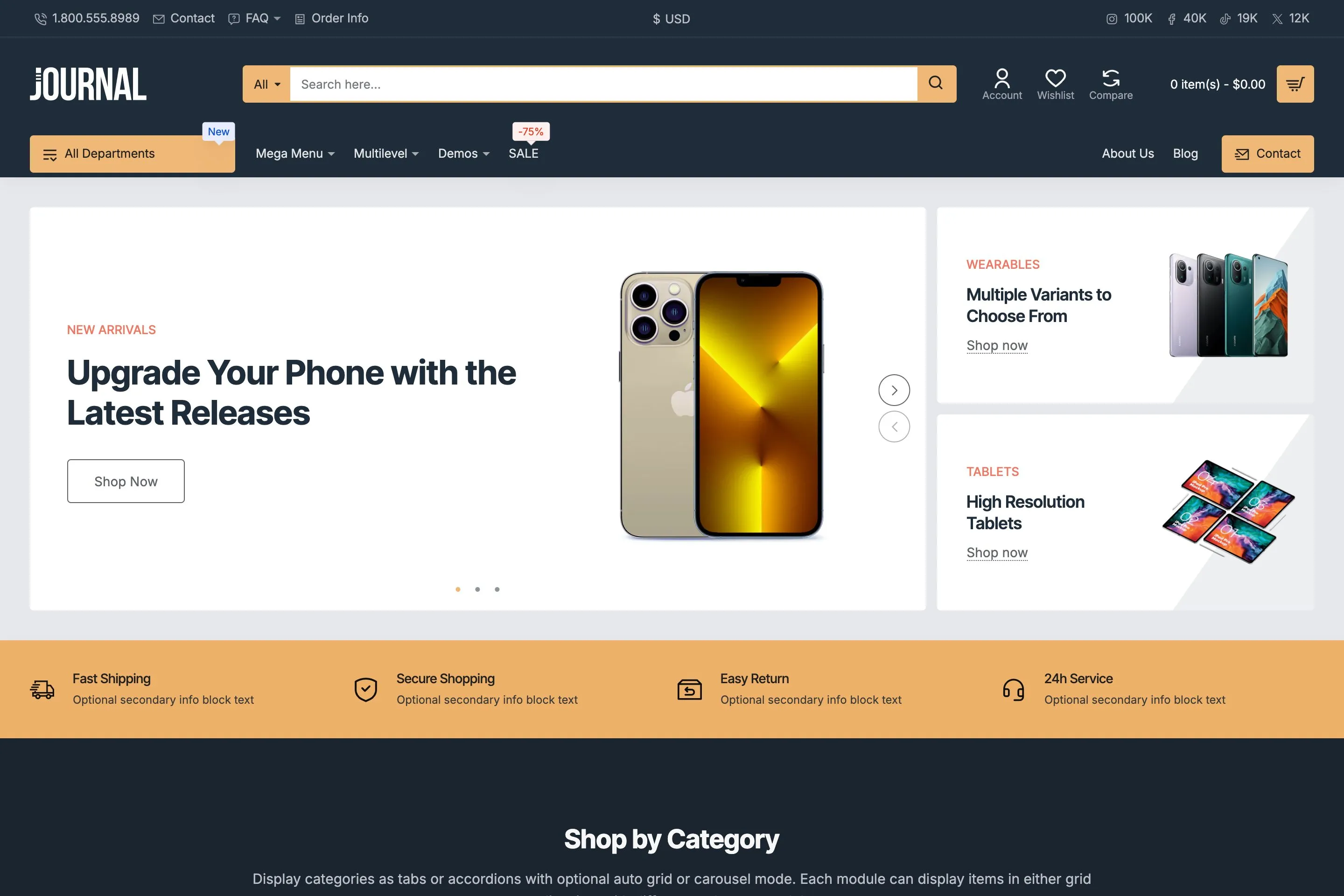
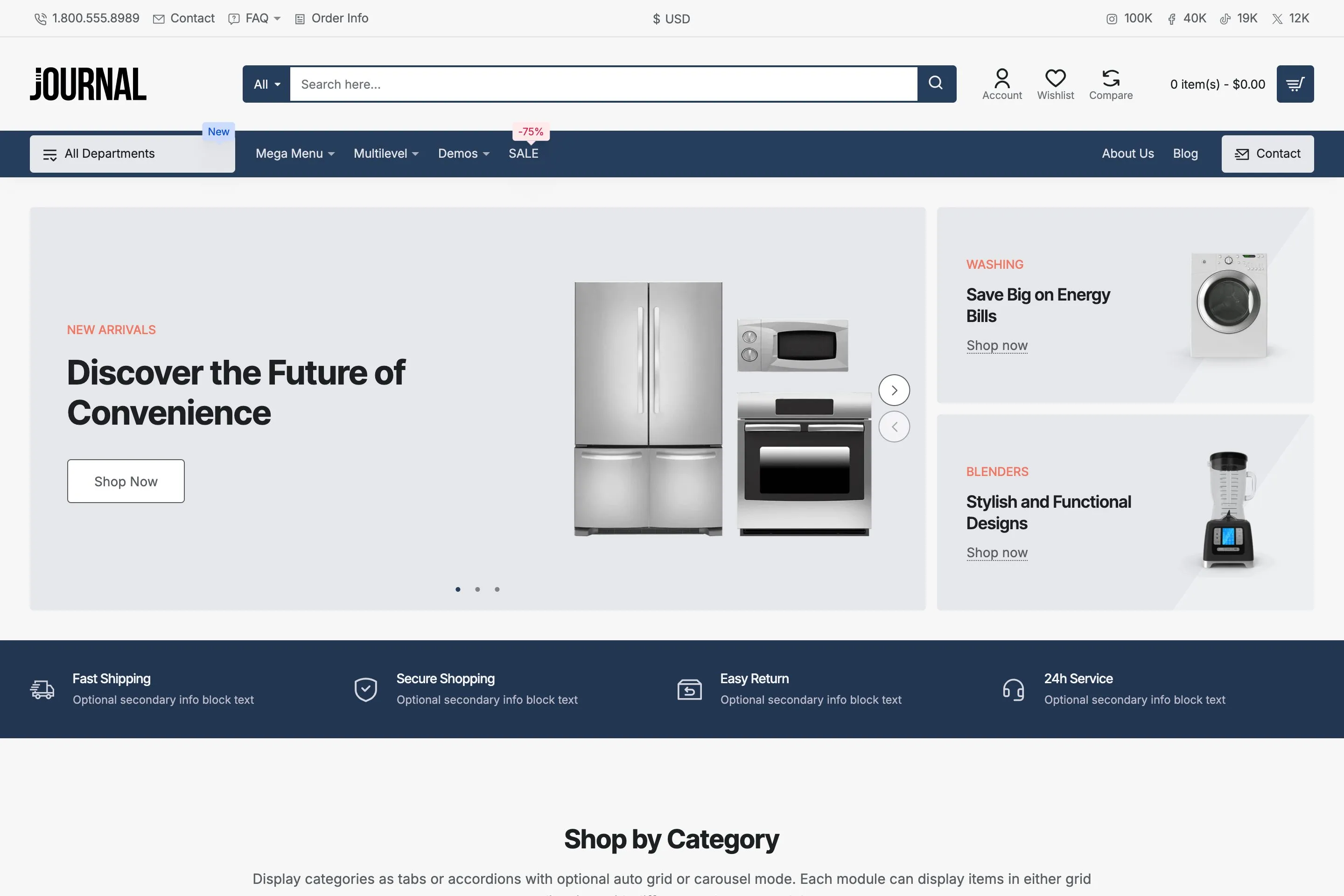
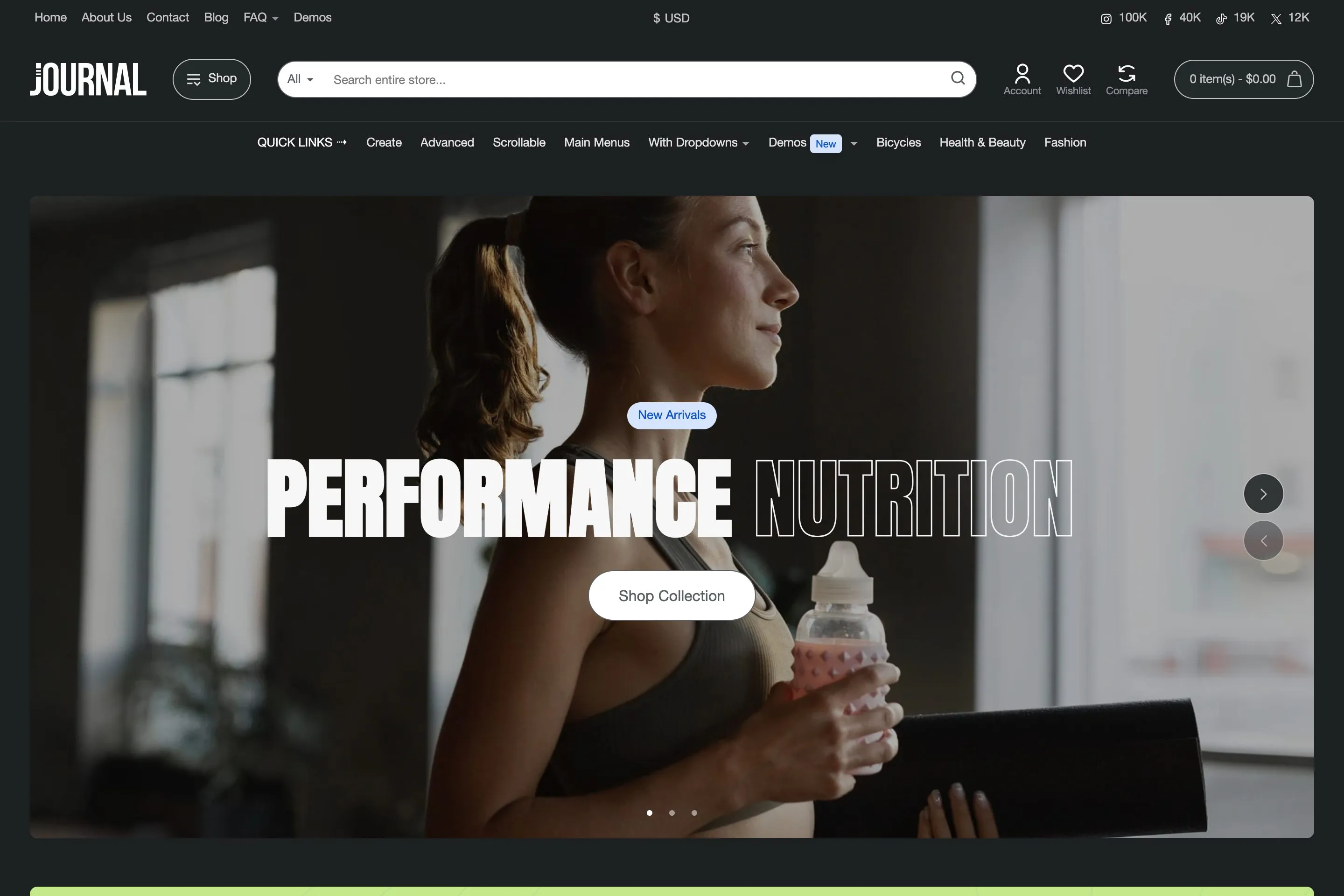
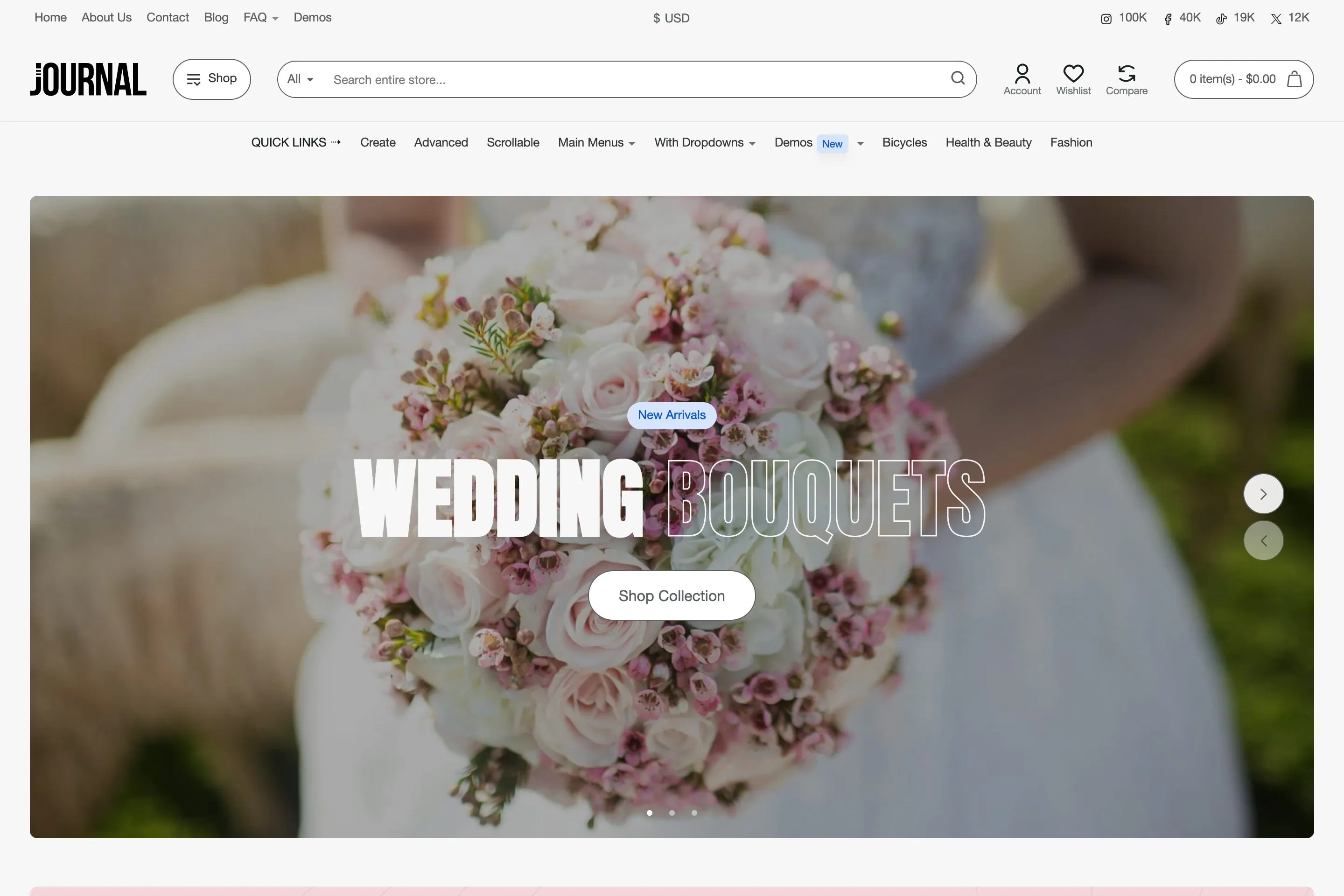
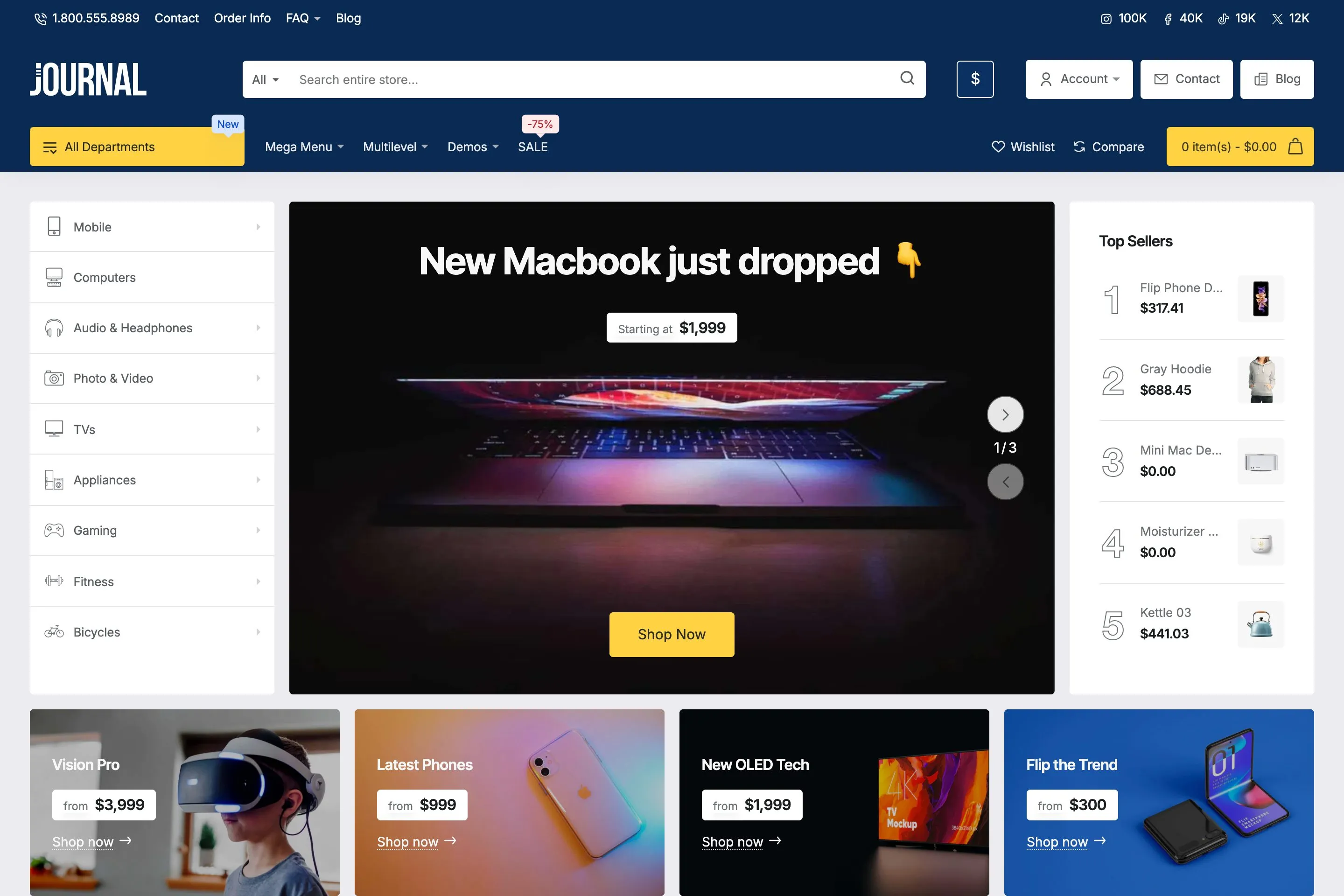
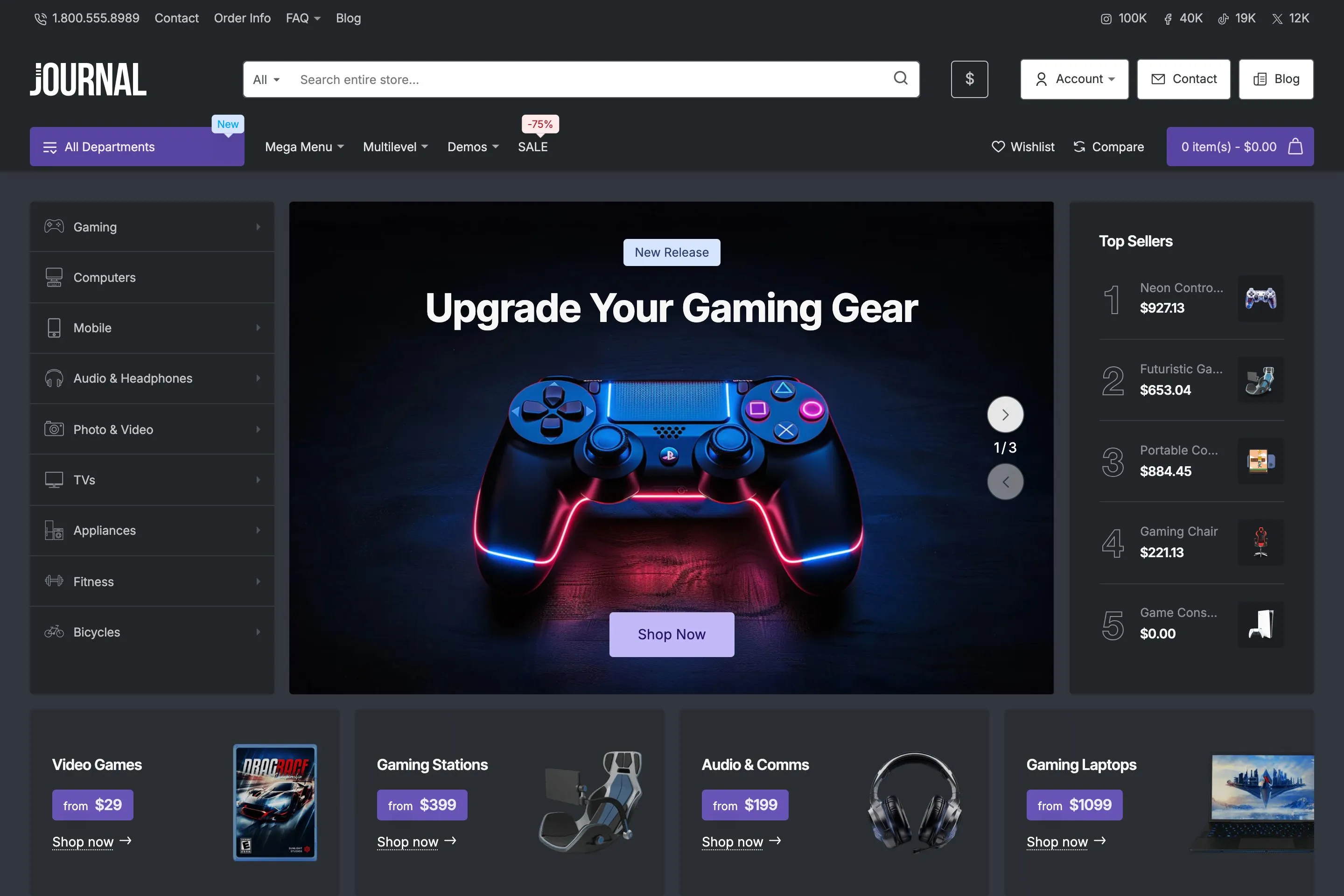
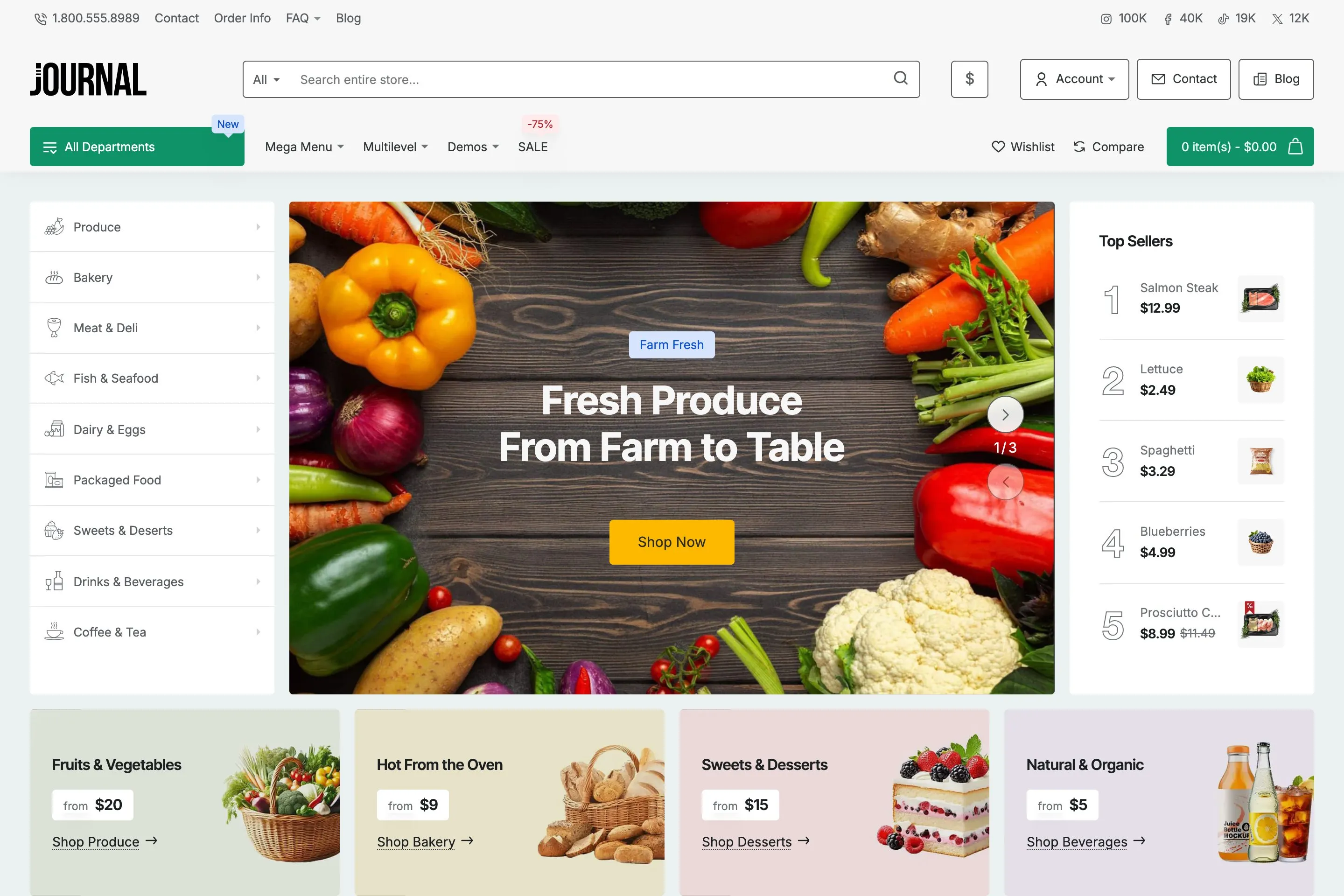
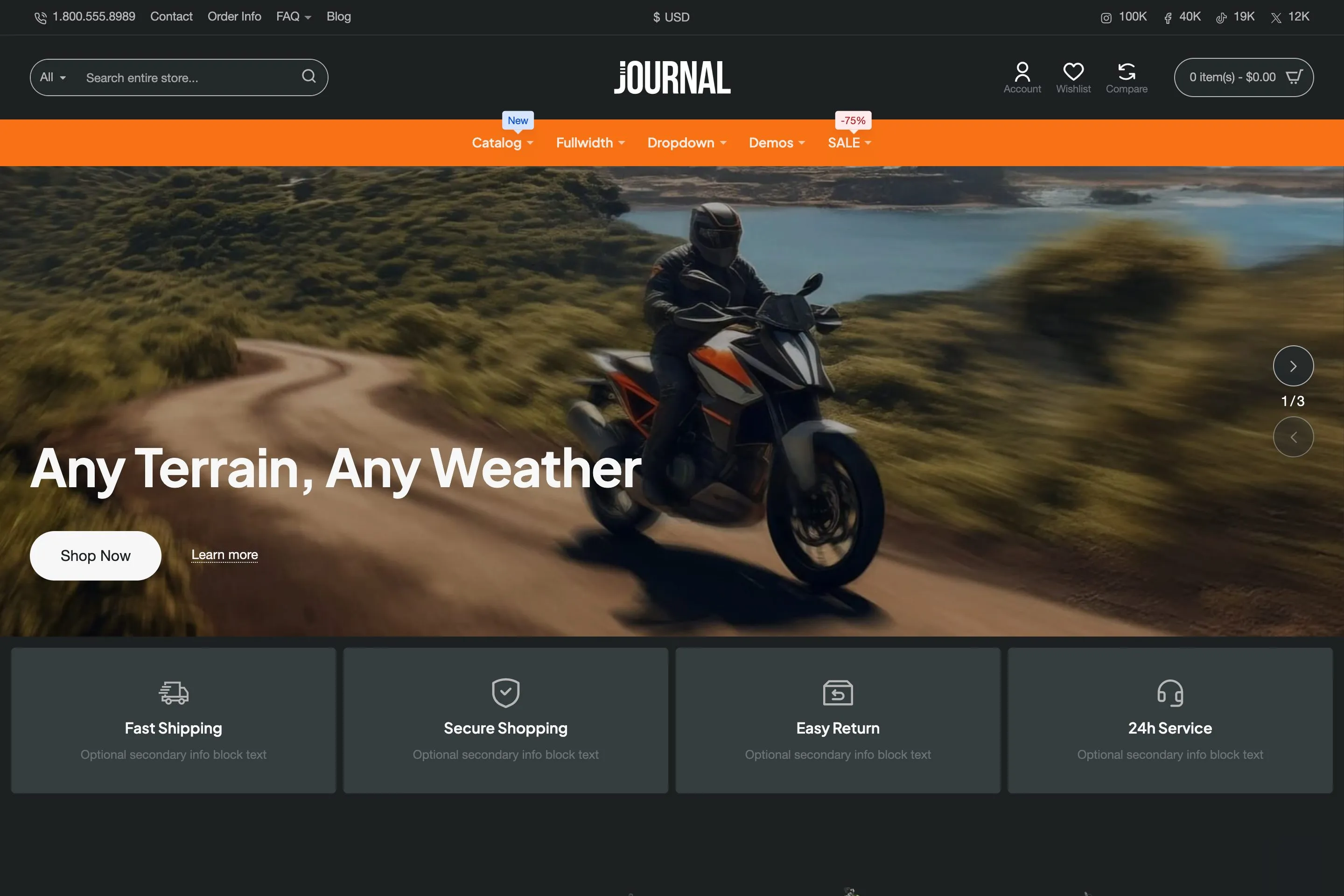
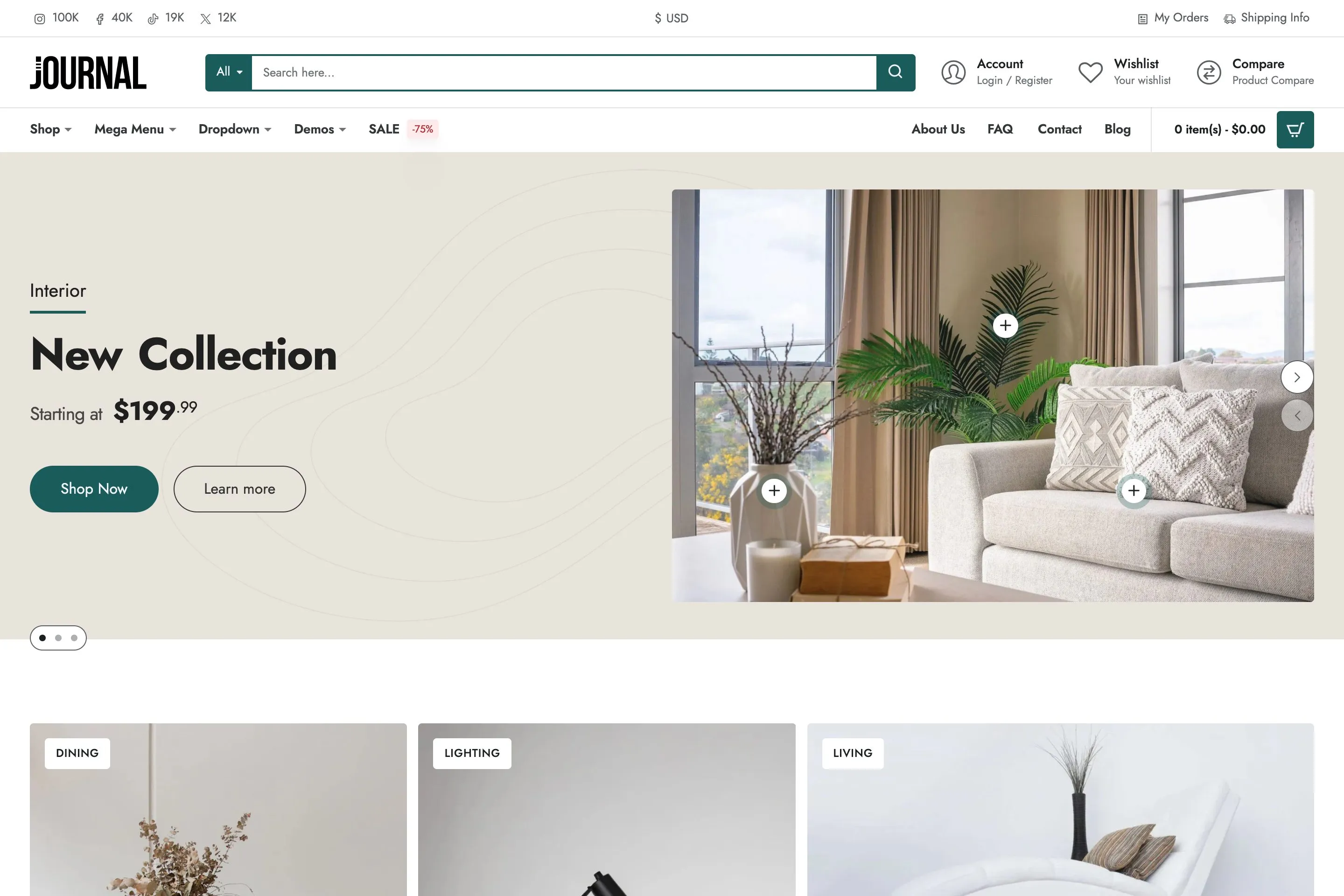
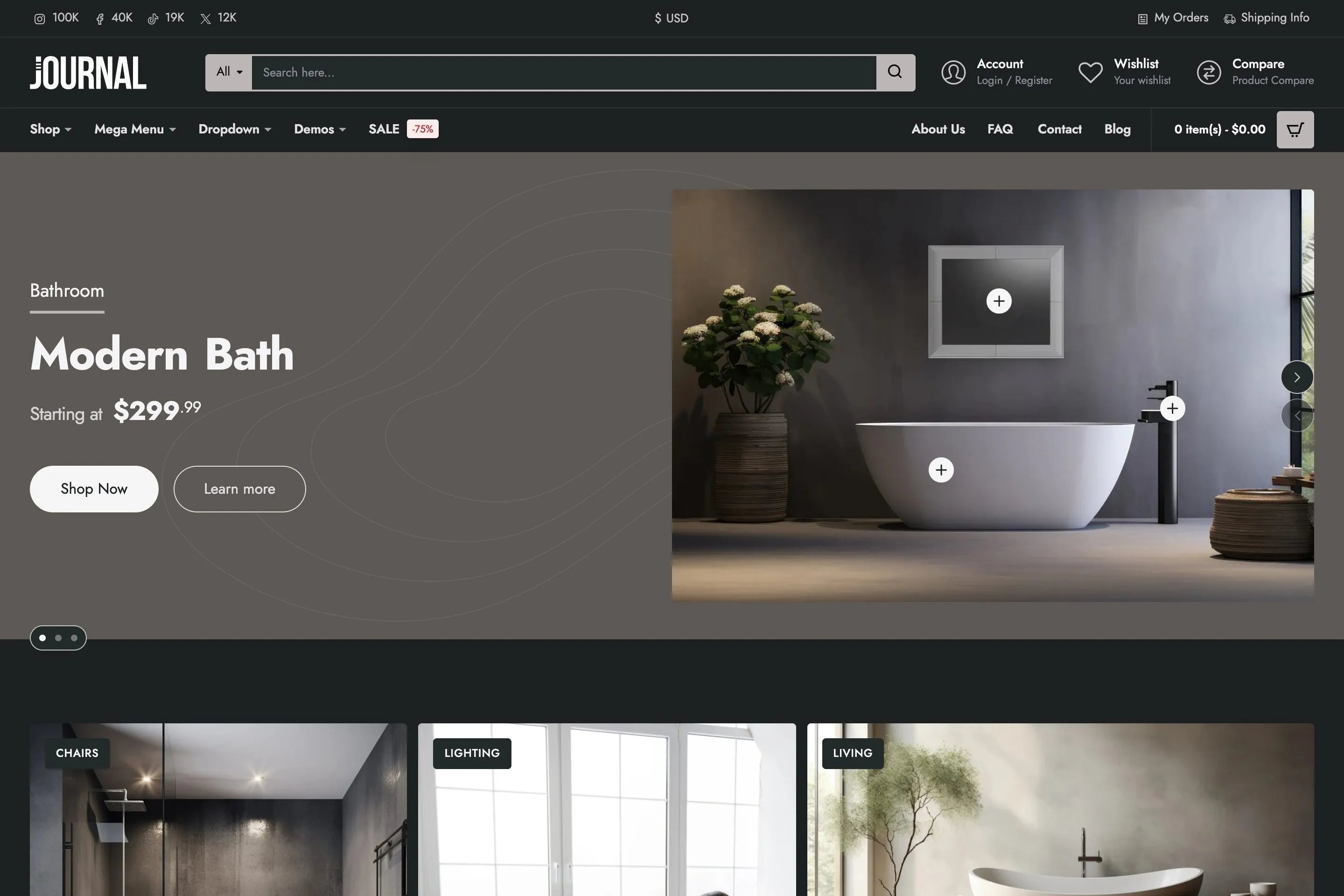
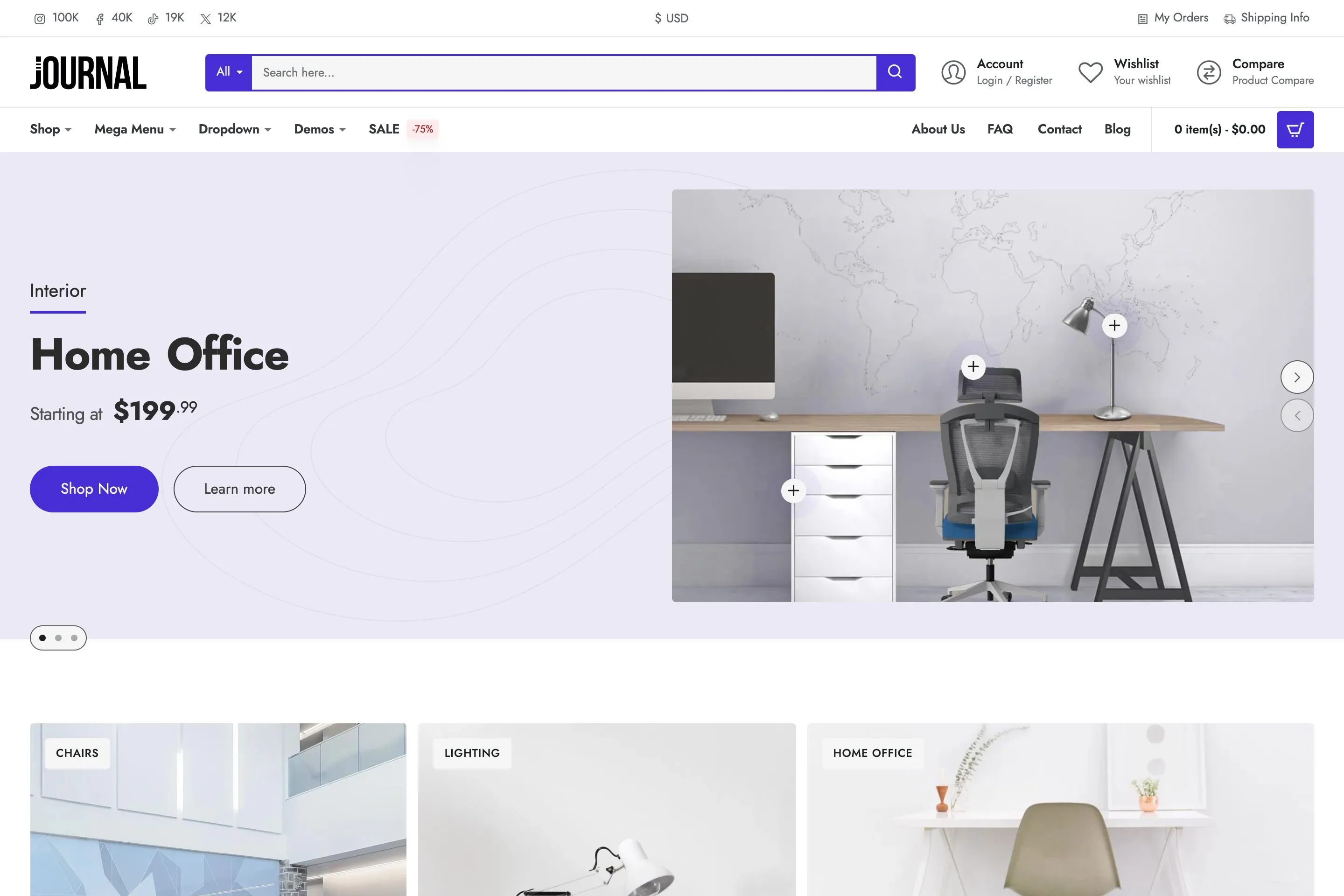
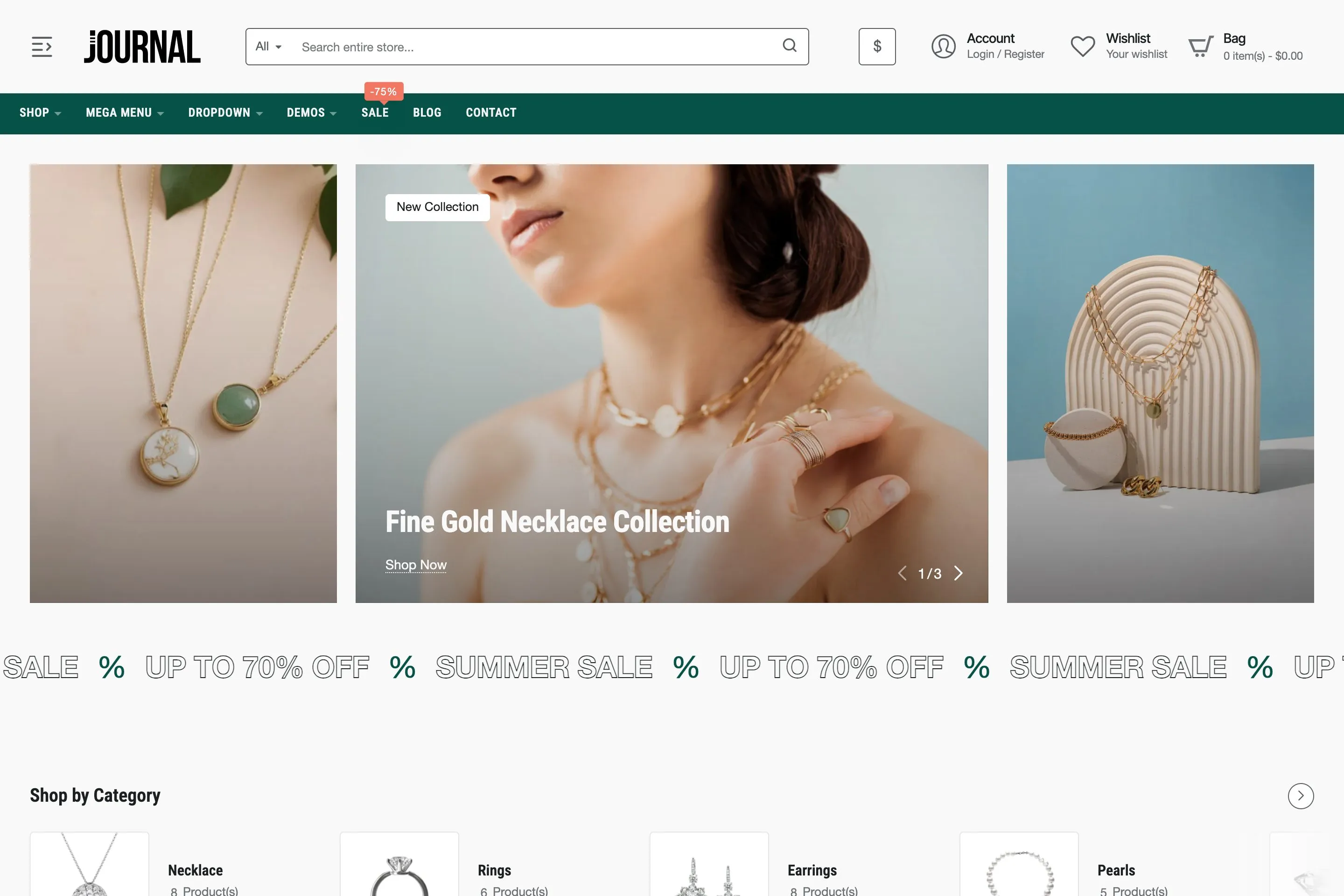
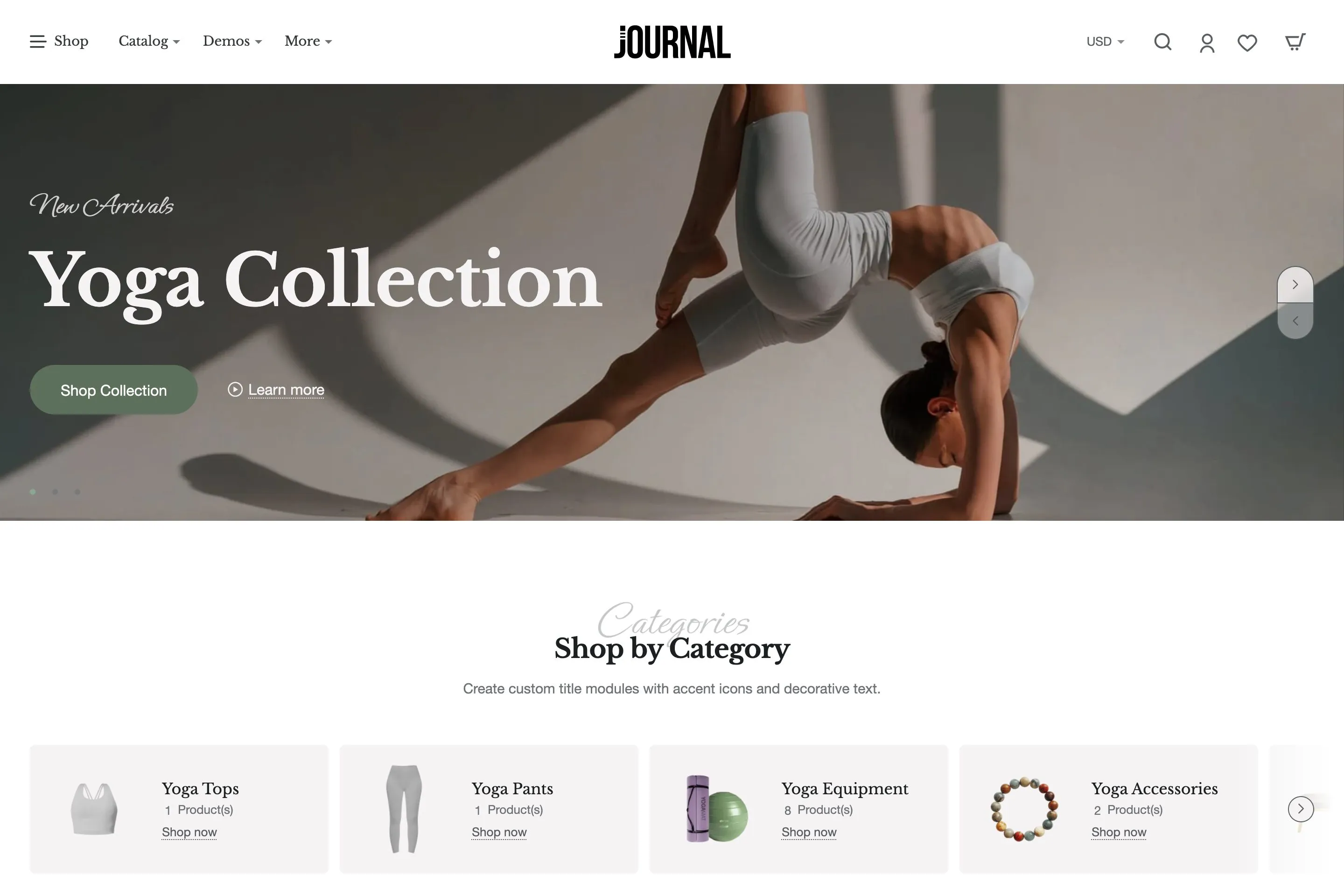
Sample store · Demo 1
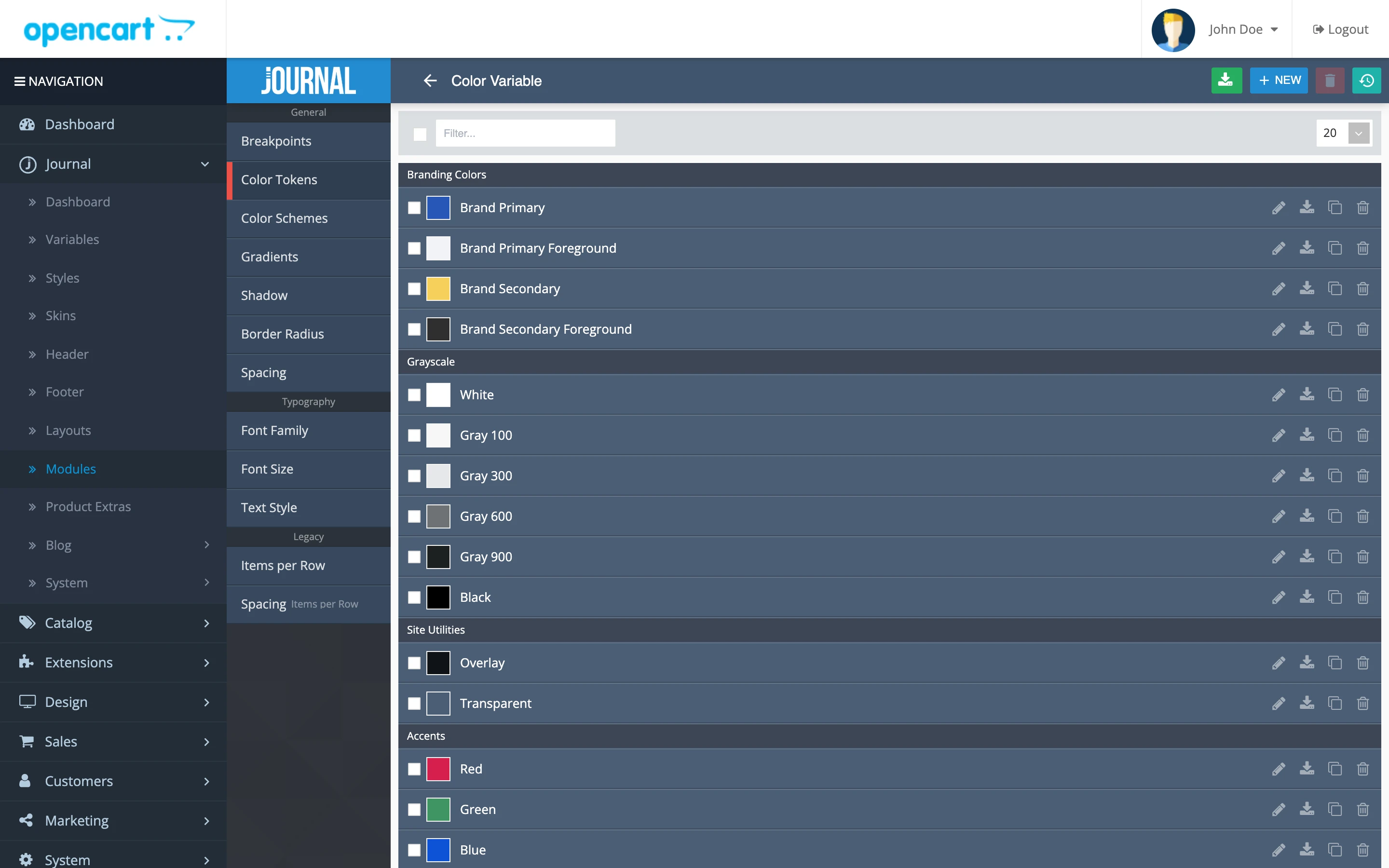
Journal admin · Colors
37,000+
Total sales
4.9 / 5
3,000+ ratings
13 years
On marketplace
Power Elite
Envato author
Your brand, your words, in a few clicks.
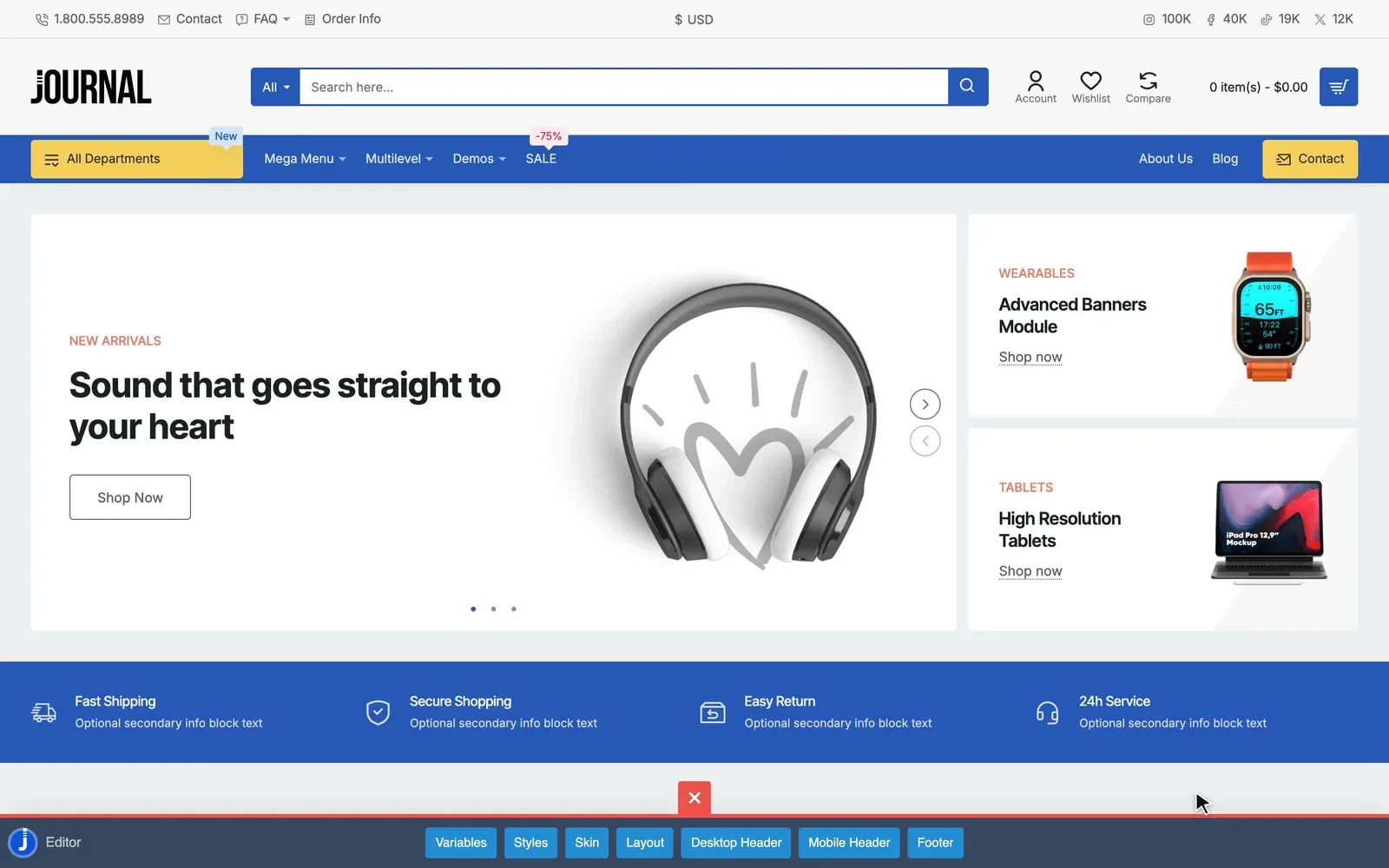
Set colors, fonts and spacing once, and everything that uses them changes. Edit text, images and links straight from your storefront.
Journal · Quick editor
Change your brand color
Change any text
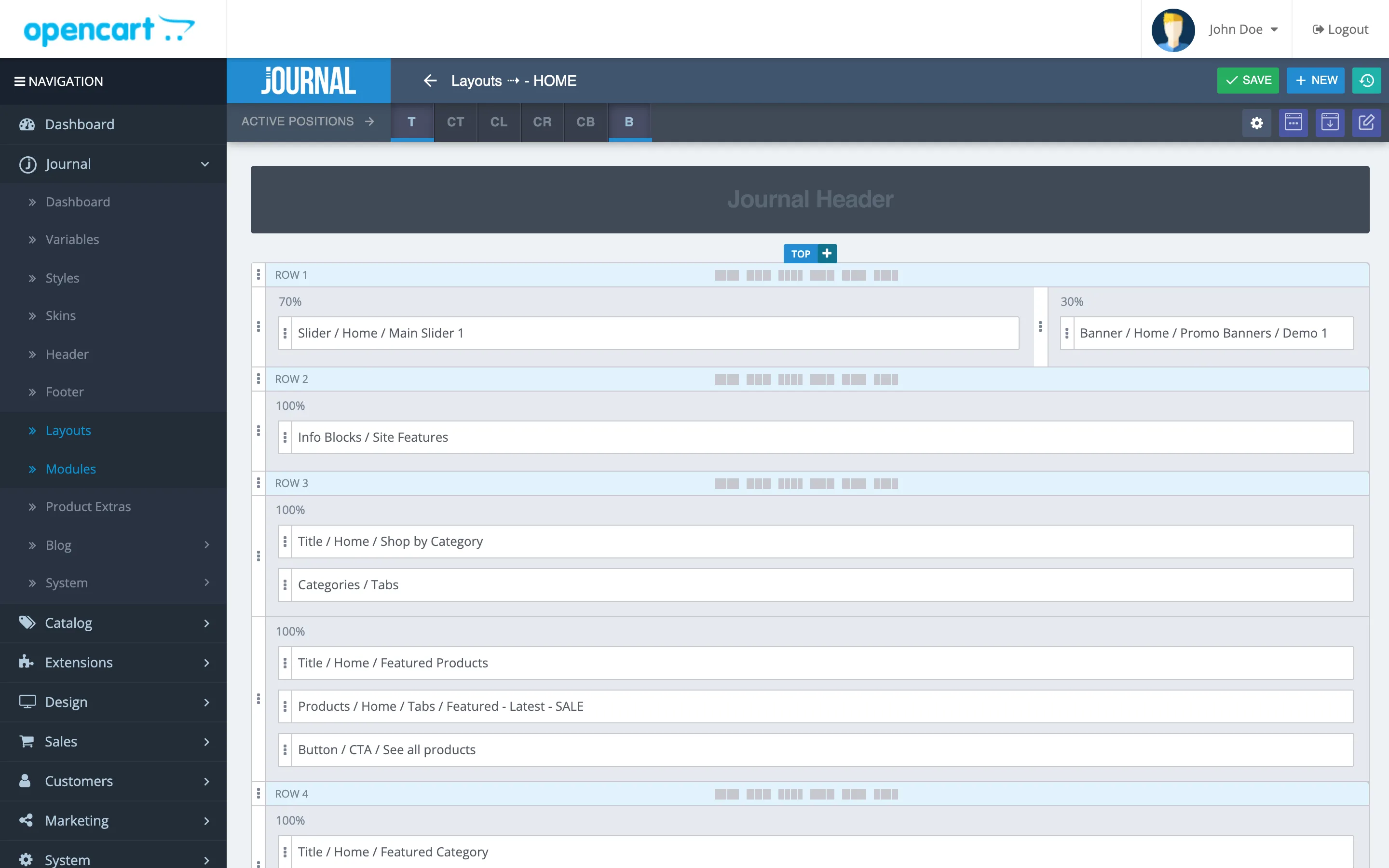
Build every page from the admin.
Arrange rows, columns and modules on any OpenCart page. Then choose who sees each part, and when.
Journal admin · Layout builder
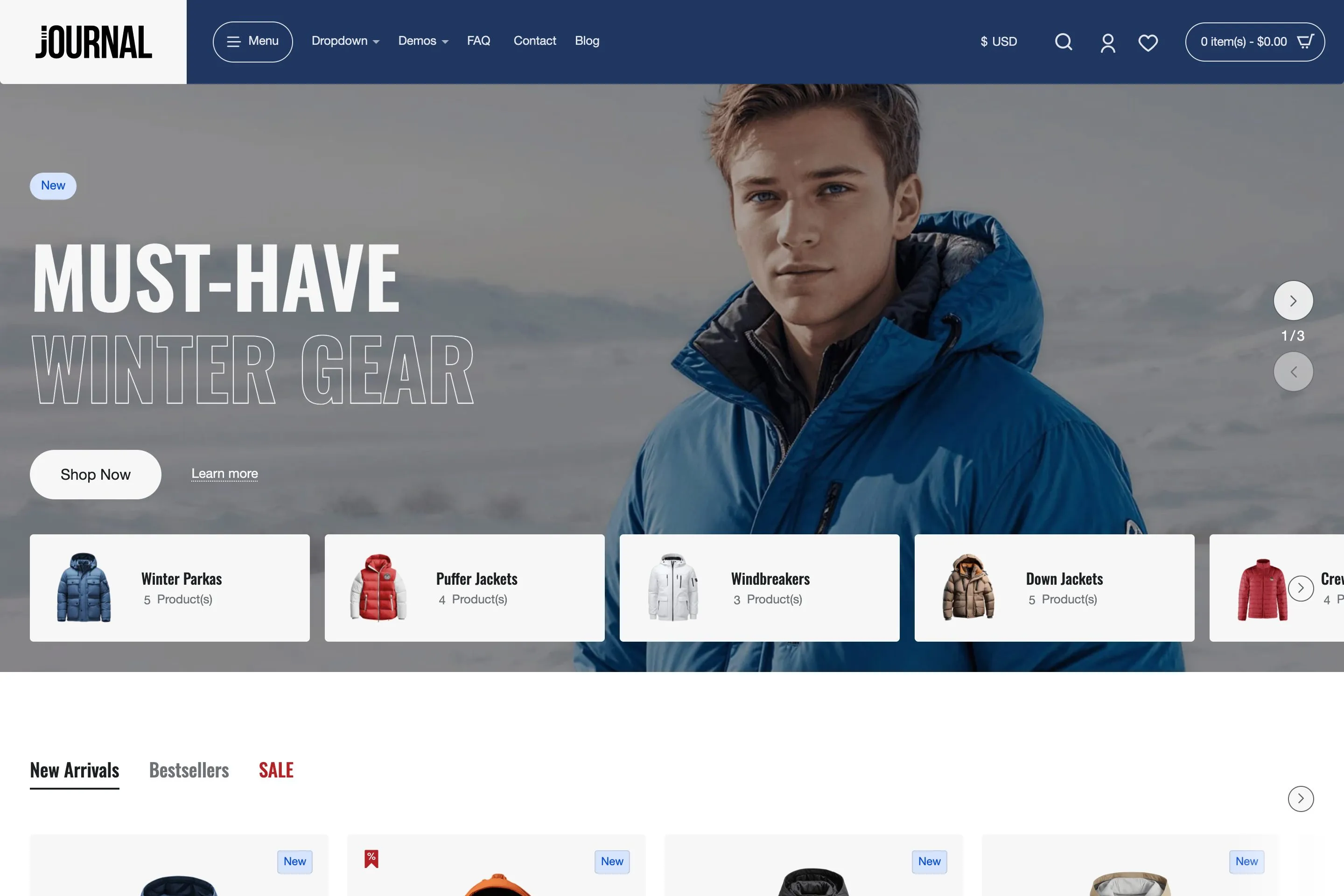
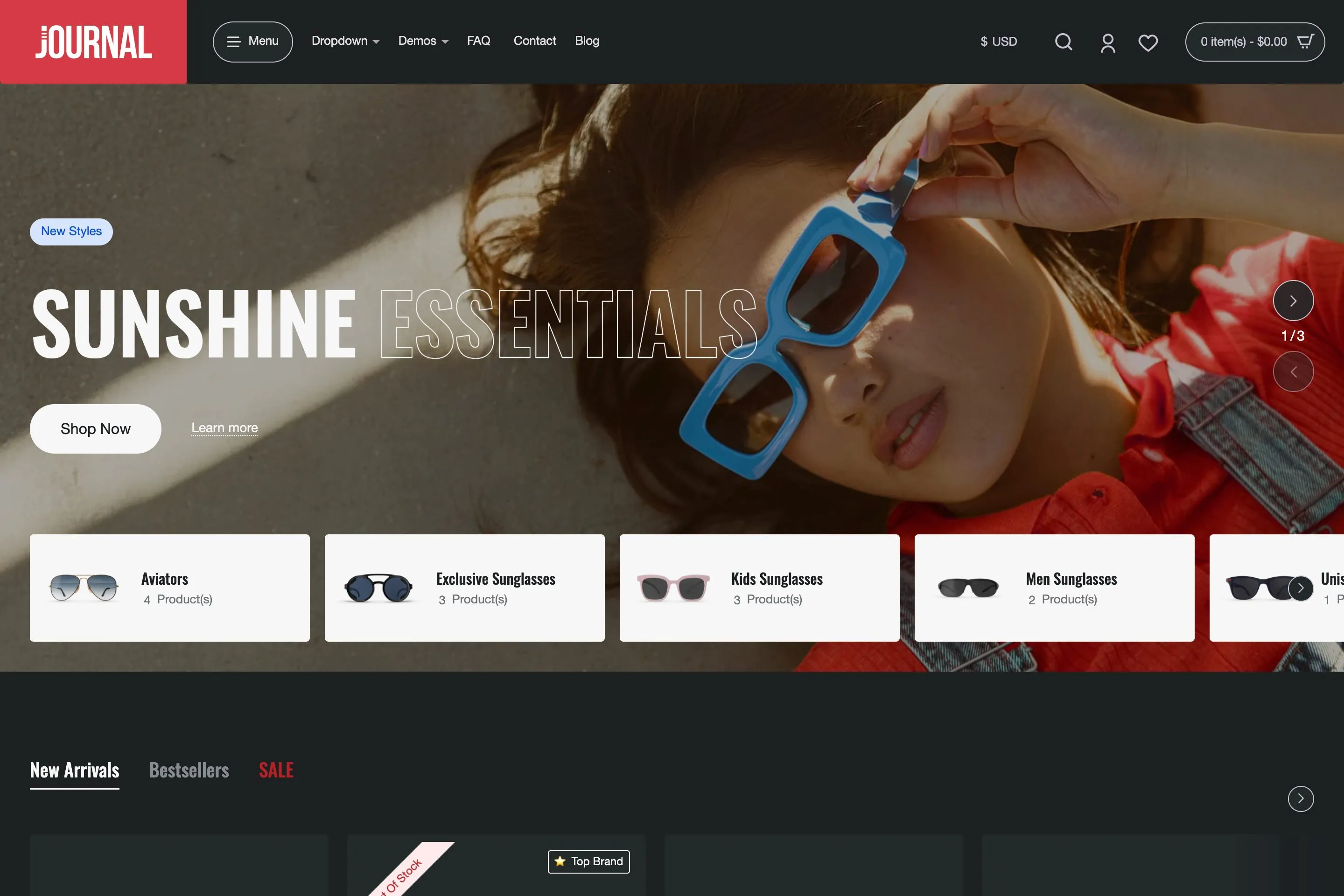
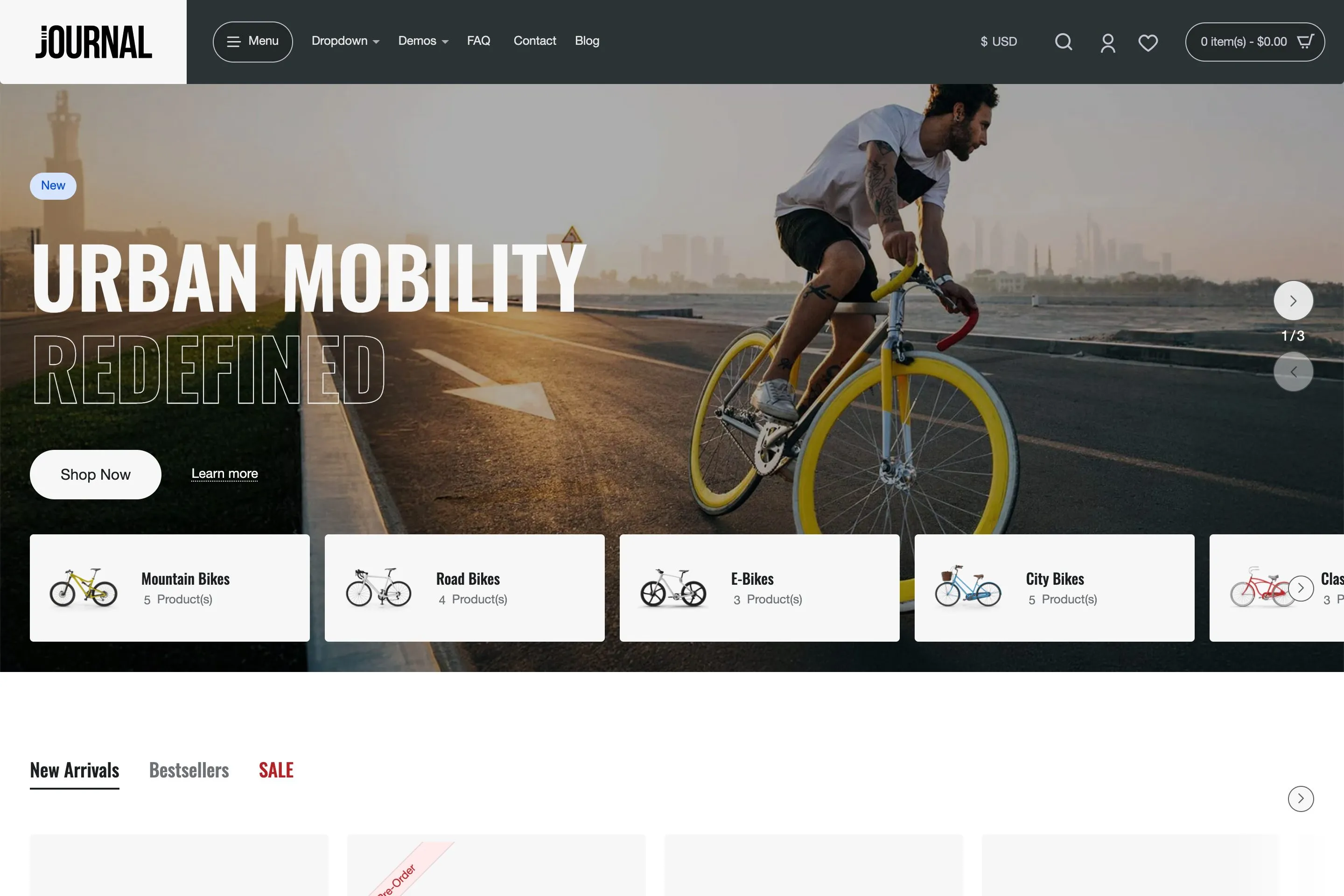
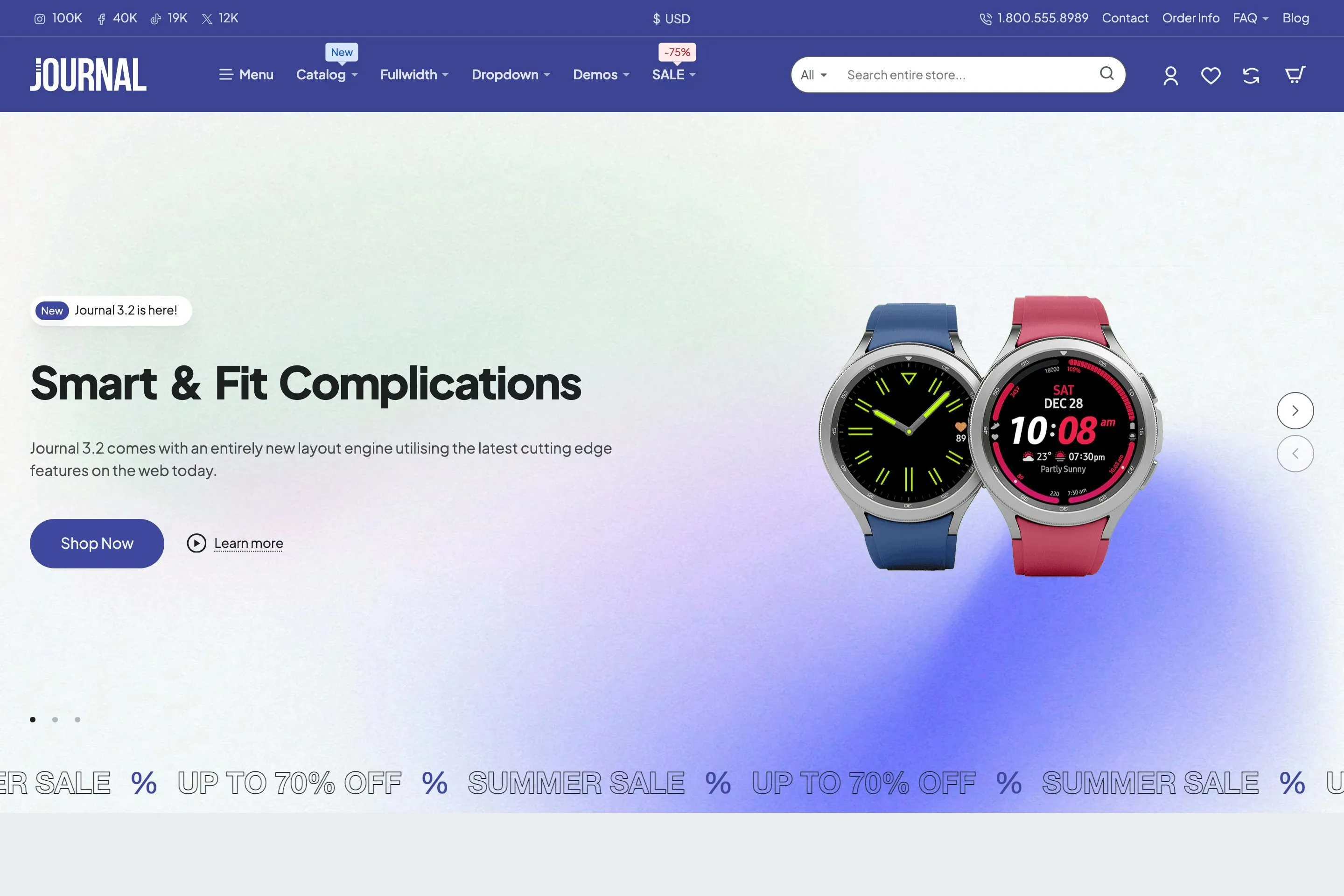
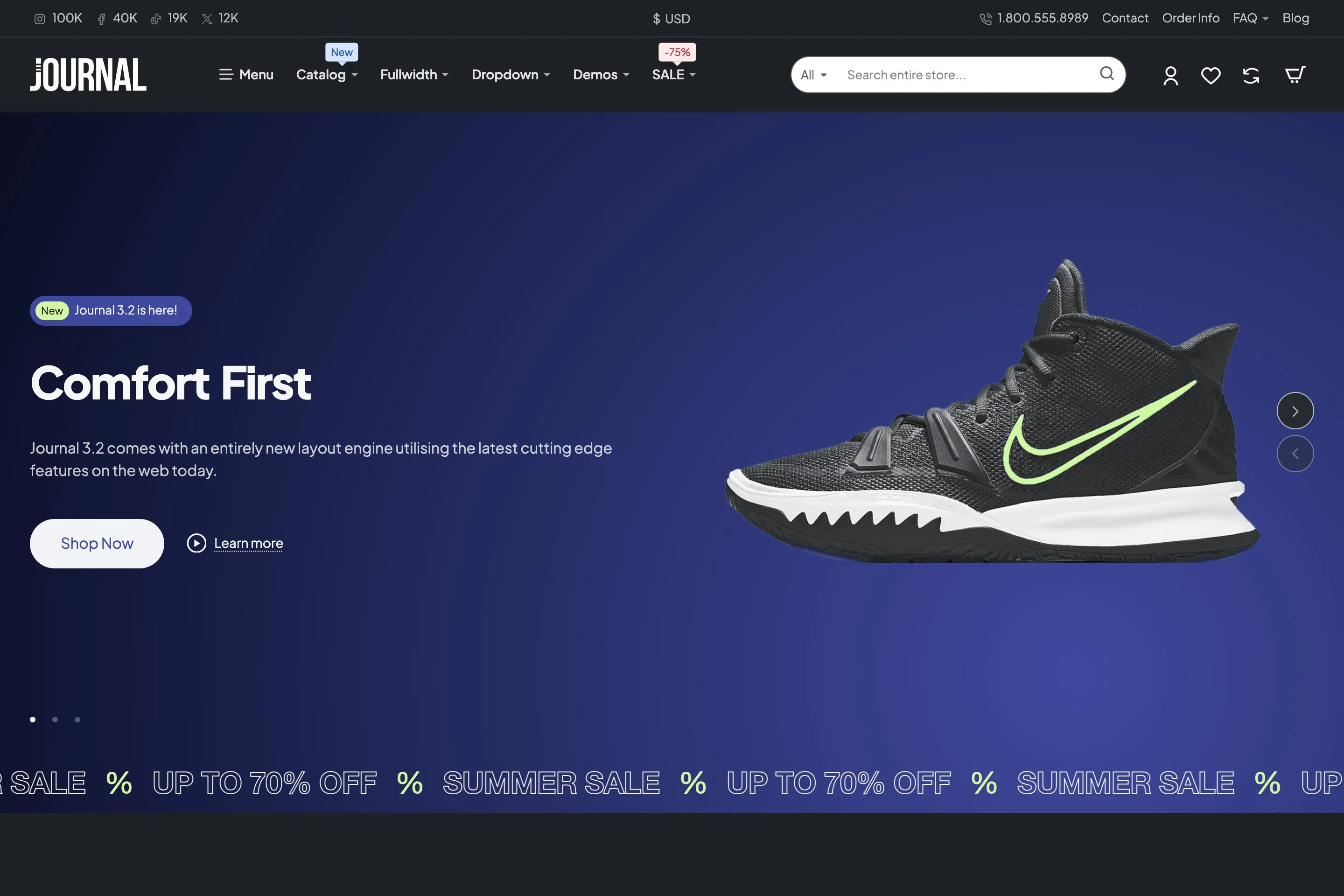
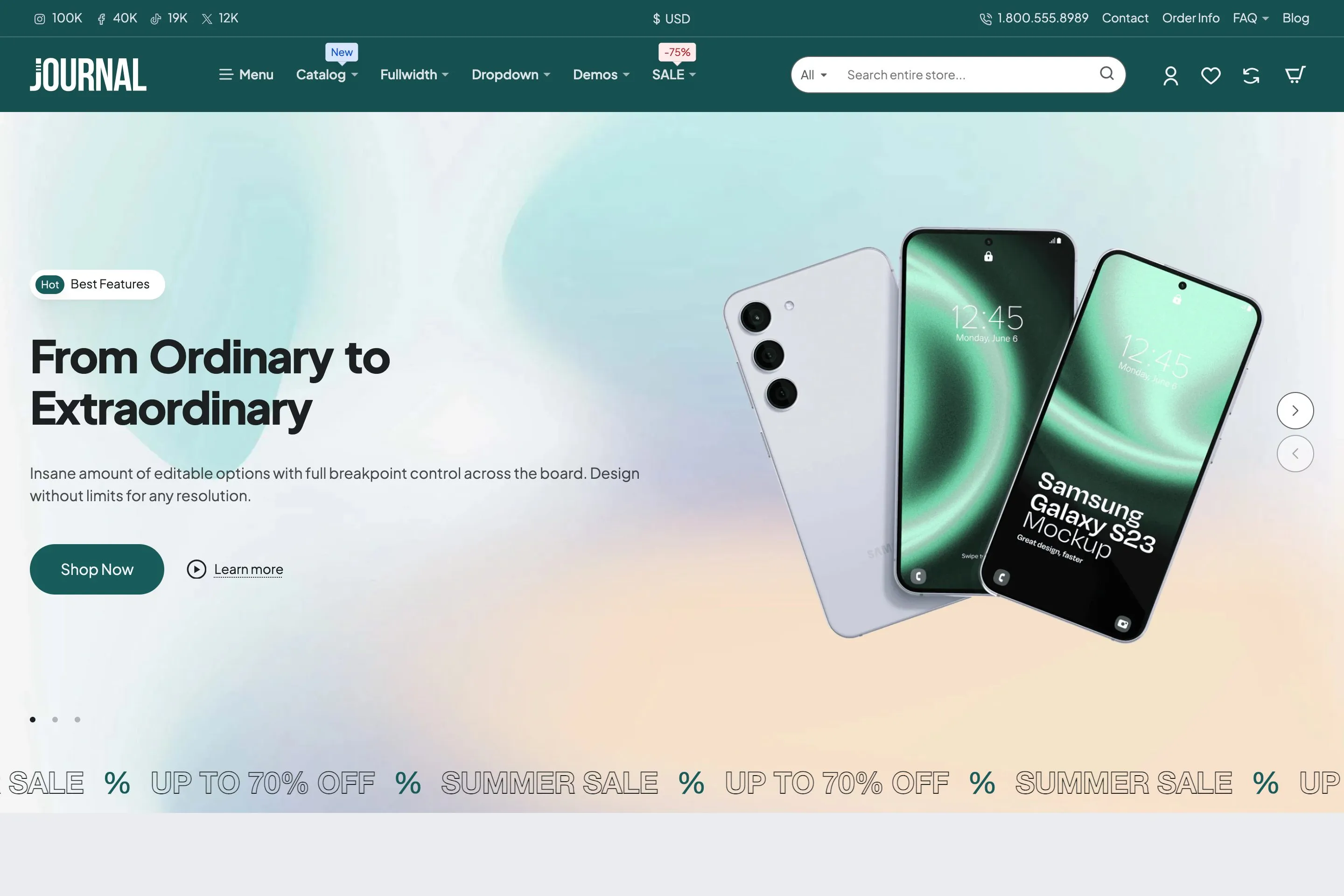
Sample stores built with the included demos
50+ module types
Sliders, product carousels, banners, tabs, forms, blog posts and more, each reusable across layouts.
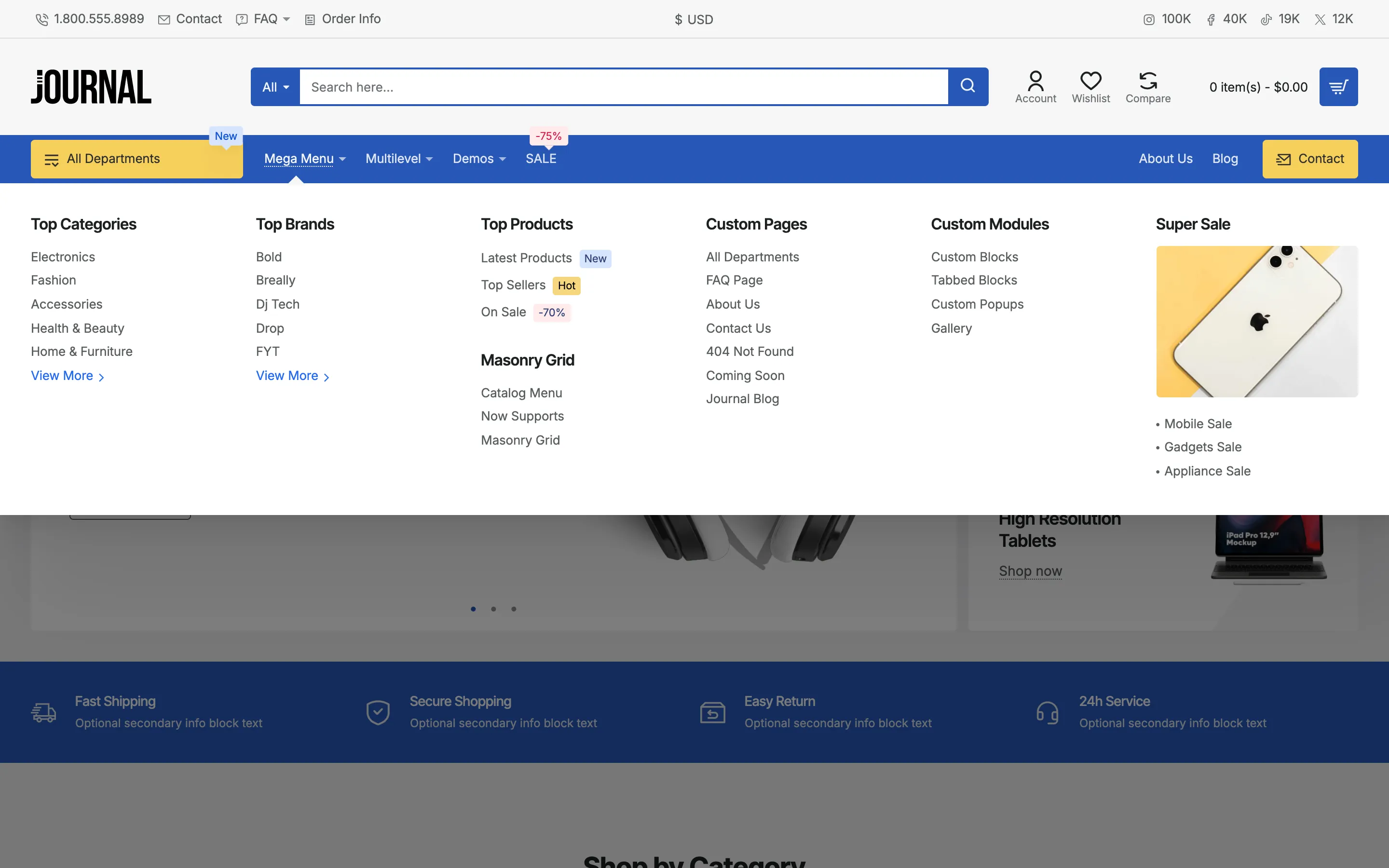
Headers and mega menus
A choice of desktop headers, plus mega menus built from modules in the same layout builder.
The right content for each visitor
Show or hide any row, column or module by device, customer group or store. You can also set the dates each one appears.
For your customers
Product filter
Narrow results by price, brand, size or color, without reloading the page.
Instant search
Suggestions with images and prices appear while typing.
Quick view
Preview a product in a popup without leaving the list.
Product pages
Image gallery with zoom, color swatches, and specs and reviews in tabs.
For you
Built-in blog
Publish posts and news in your store, with categories and comments.
Languages and currencies
Translate your store, including right-to-left languages, and show prices in several currencies.
Built-in SEO
Clean URLs, structured data for search results, and link previews for social media.
Your extensions
Place OpenCart and third-party modules in Journal's layouts.
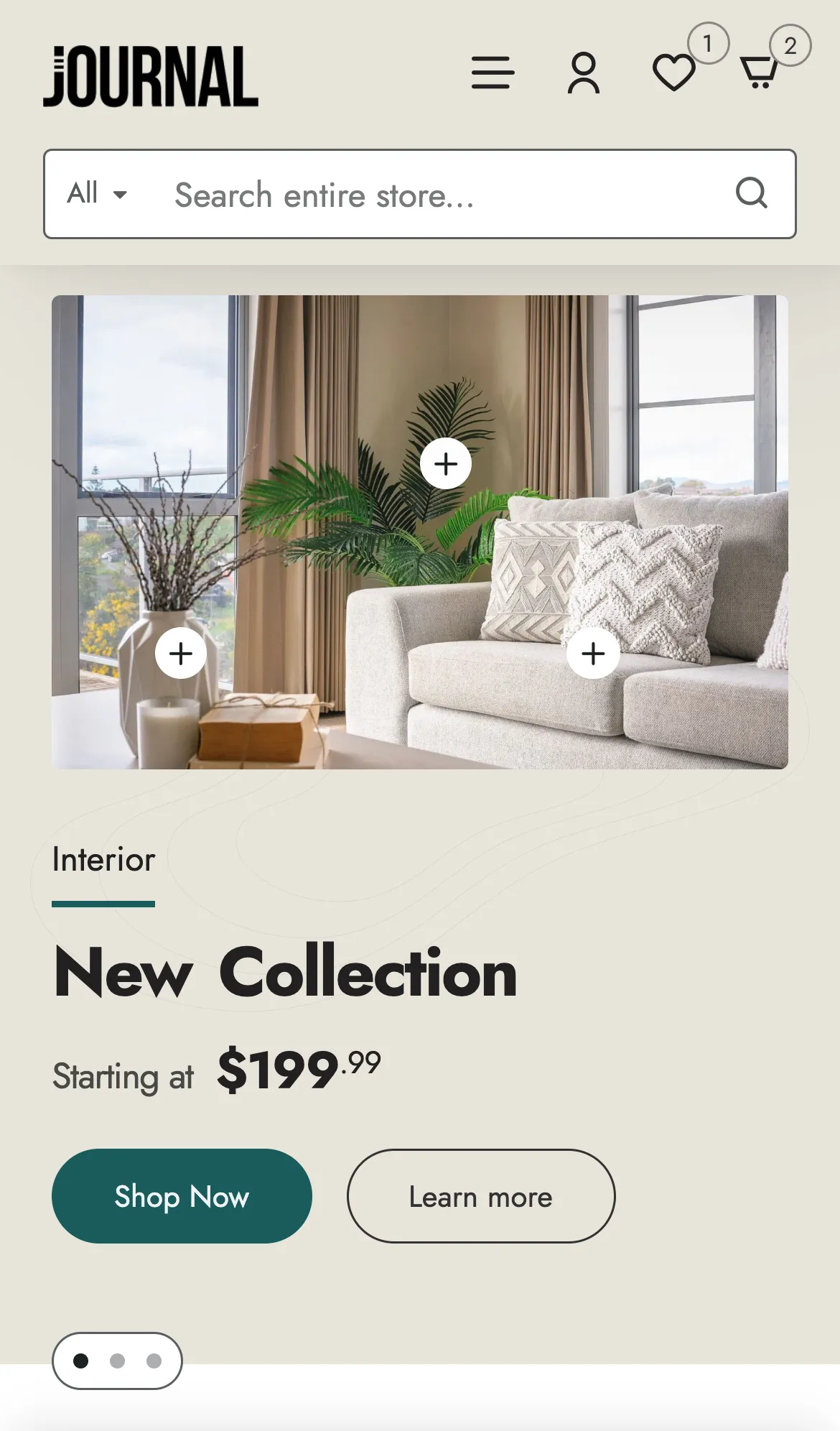
Give phones their own design.
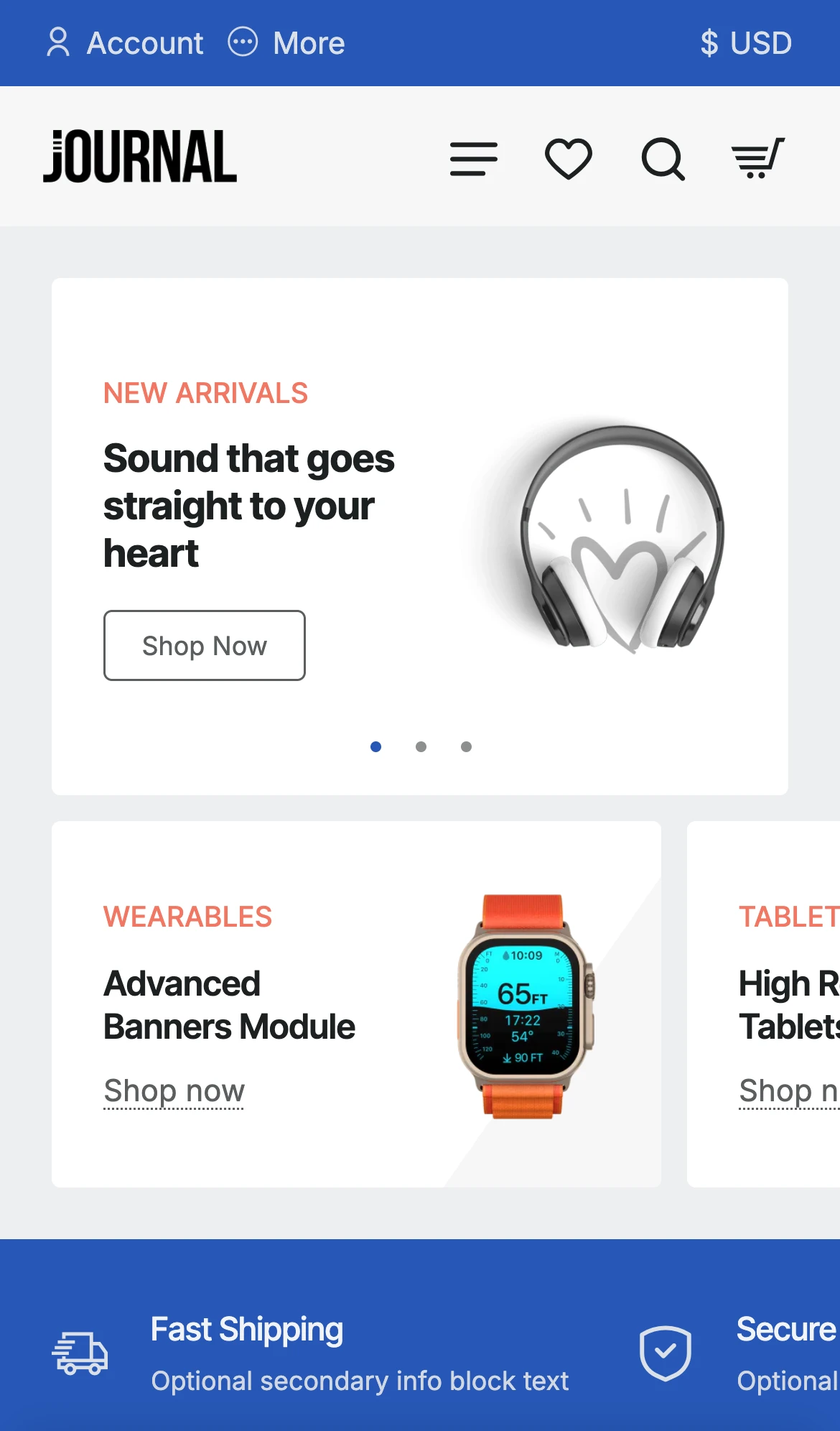
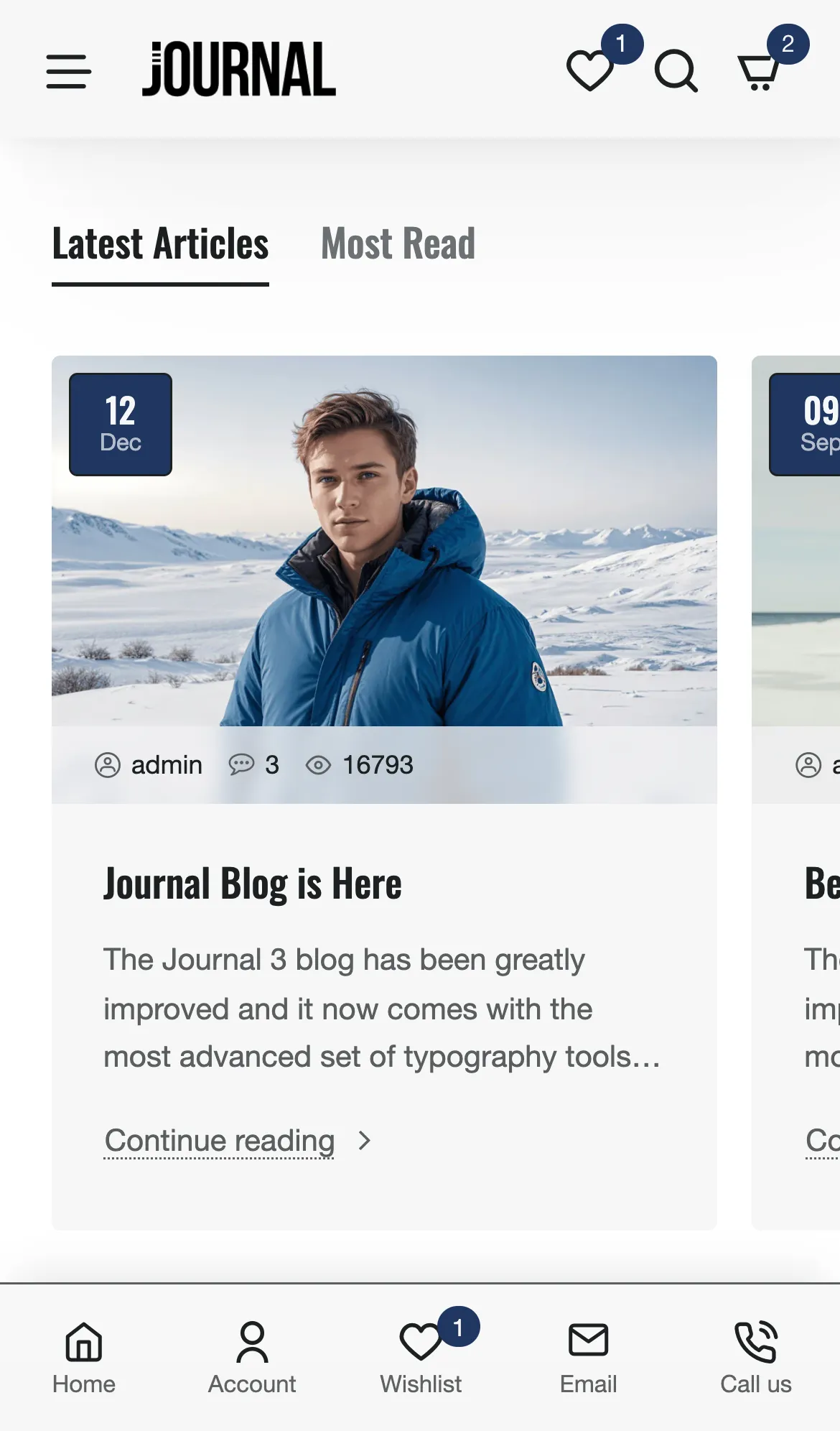
Phones get their own header, a bottom menu like an app, and a menu, cart and filter that slide in from the side.
Mobile header
Bottom menu
Add-to-cart bar
Dedicated mobile headers
Bottom menu with badges
Fixed add-to-cart bar
Separate phone and tablet settings
See it on your phone.
Scan to open the demos.
Pick a demo. Make it yours.
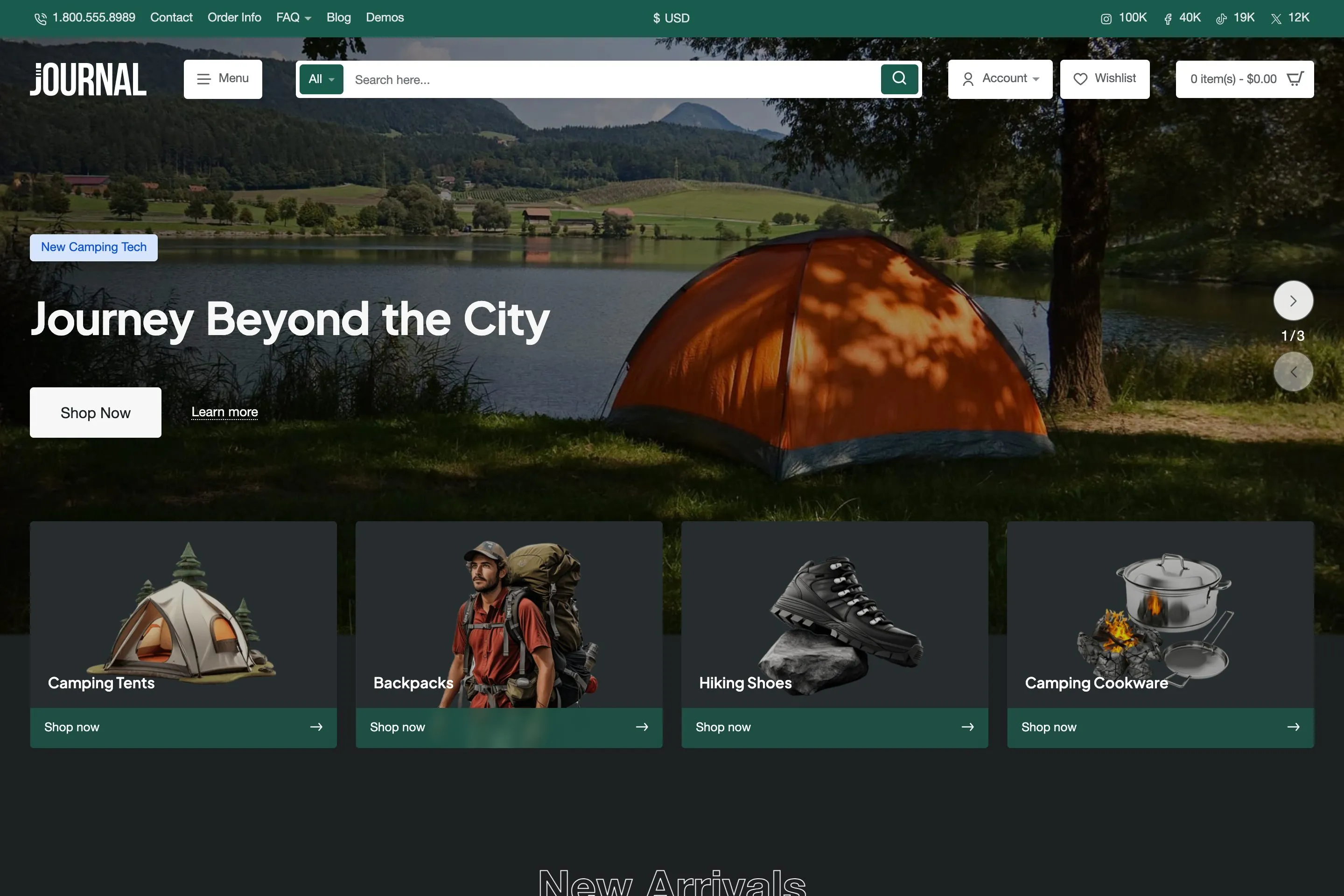
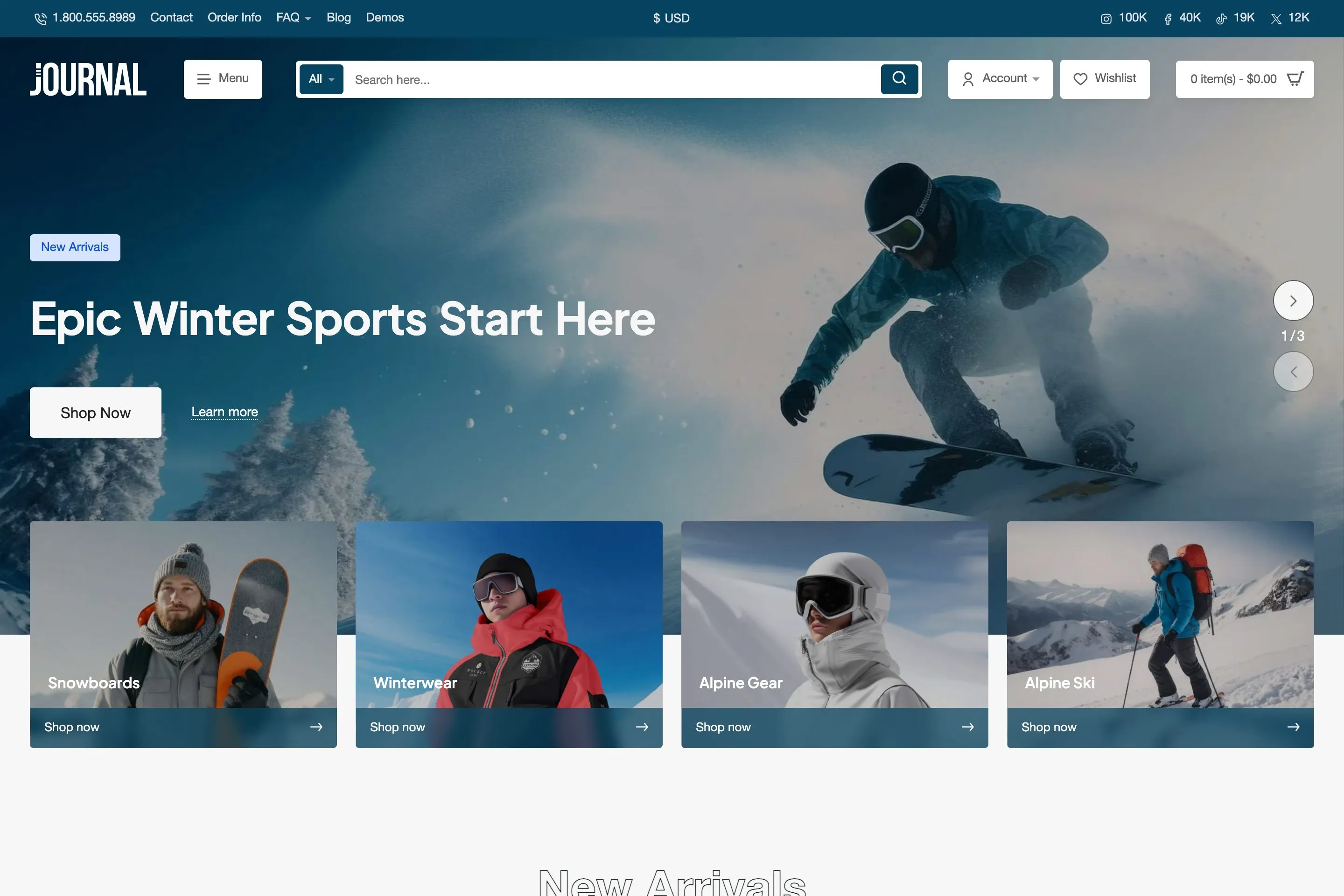
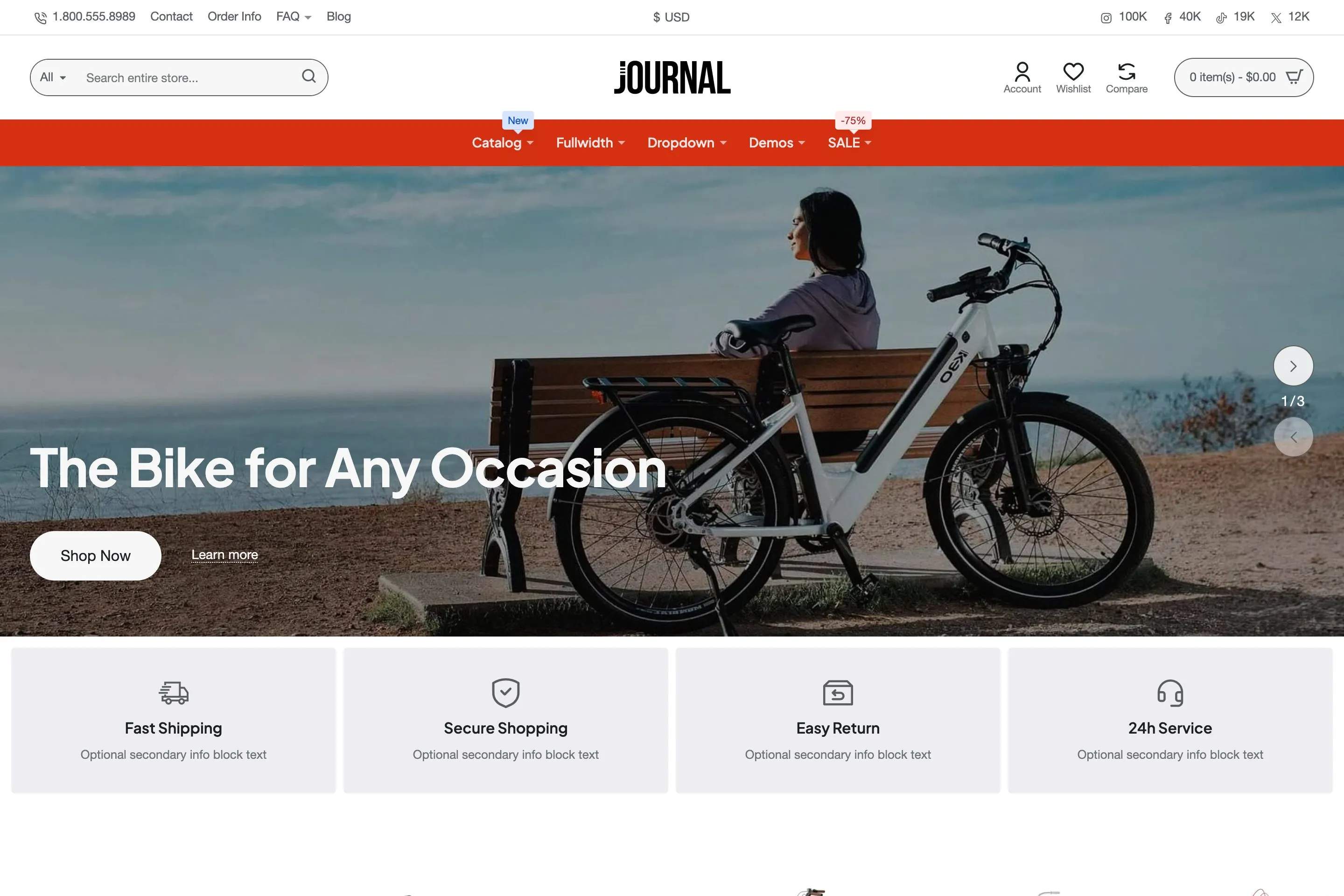
Journal includes 12 demos, each with 3 variants. They are store templates: import the one closest to your store, then add your own products, images and branding.
These are demonstration stores. Their designs come with Journal; their products, images and content are not included in your purchase.
Read what store owners and developers say.
Five-star reviews from the marketplace, quoted in full.
Code Quality
“Journal is THE essential opencart theme. So well thought out and engineered, the degree of design flexibility it offers is huge.Way more than a theme but a professional design tool. Won't build custom themes ever again. Amazing 5*****+”
abigailshedden
Customer Support
“I've purchased hundreds and hundreds of files over the past 7 years. But there is nothing close to this support and professionalism. Not only is theme, simple , useful and modern, but again the support is remarkable. Very happy I got this theme! Thank you!”
CharliBaltimore
Customizability
“EXCELLENT theme built with purpose and has been constantly updated and improved upon since I started using it in 2014. My go to theme.”
graigkarl
Design Quality
“I prefer the journal theme for my clients, I have developed 10 websites so far and I can easily edit and customize the journal theme.”
mymagicboxin
Flexibility
“Really flexible Theme, with a lot of addons you normally have to pay to get. All in all, easy to setup and a lot of functionality”
soulliving
Flexibility
“Great toolkit for Opencart. As a base platform, Opencart can be a nightmare to modify and get looking good. Journal takes away all the pain.”
DarkLightDigital
Design Quality
“Guys you are the best... I ve bought 9 licences and i am plannong to buy a few more by the end of month...GREAT JOB”
gdounis2011
Customer Support
“Not just the best theme I've ever used, and I've been through about 6, but by far the best support I've ever had. Not only are they quick to respond but they have even give me code solutions to things I've asked to be added to future versions. Awesome!”
MuscleLondon
Customizability
“Tested several themes over the years and nothing is like this. Simply the best theme you will get, and at the same price of all the other themes. Great job!”
artefects
Code Quality
“Iam a web developer for many years i havent seen anything clear clean coded like journal it makes my live so much easier thanks for the great work you have done.”
chromebandit
Other
“I used this theme for a hot tub hire website. I found the admin very easy to use and the features and designs excellent. Great system to work with. Thank you. :-)”
blackpool-webmasters
Flexibility
“I have tens of opencart websites and just after I started using Journal I realized its the only theme among all I can recommend as an outstanding professional work.”
juliadrehi
Documentation Quality
“Everything is well documented, making it easy for the end user with zero knowledge on coding to get started. Worth the money. Recommended! Thank you Digital Atelier.”
arifhazwan
Code Quality
“This is by far the best theme for Opencart. It is coded with well sense of responsibility, the functionalities are outstanding, it comes with a ton of customization options and the support is exceptional! Cannot recommend more! Keep up the good work!”
turbobeds
Flexibility
“Theme is super flexible, one with some CSS knowledge can do wonders with this... Its a perfect theme. If you are comparing, please don't.. Journal is a cult.”
akku14
Pay once. Keep every update.
A lifetime license for one domain, with 6 or 12 months of support from us.